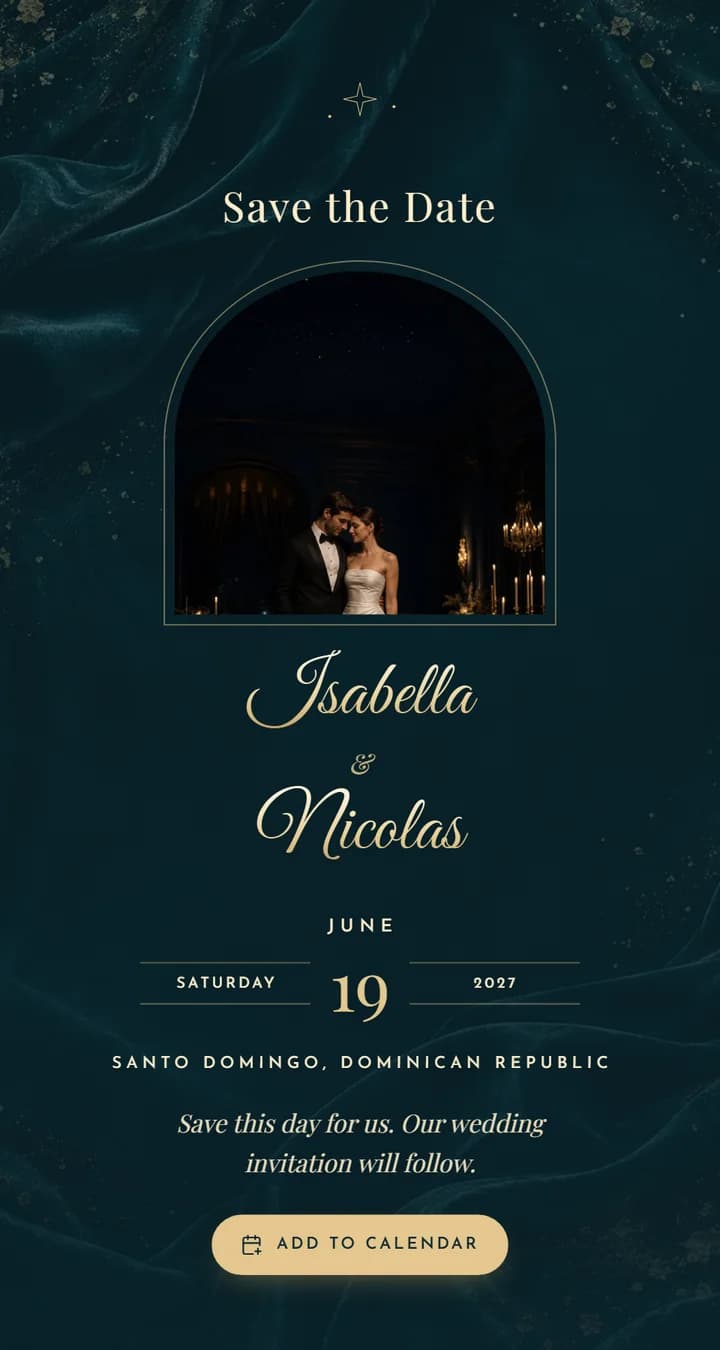
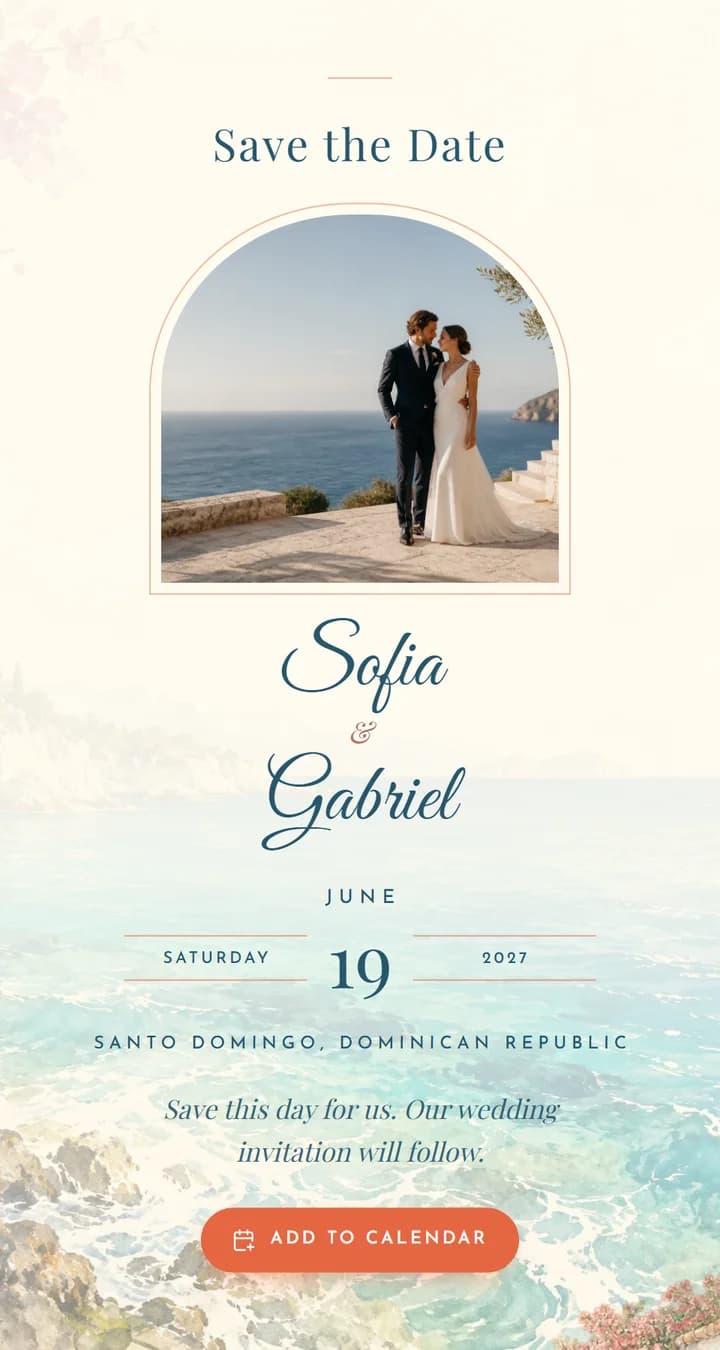
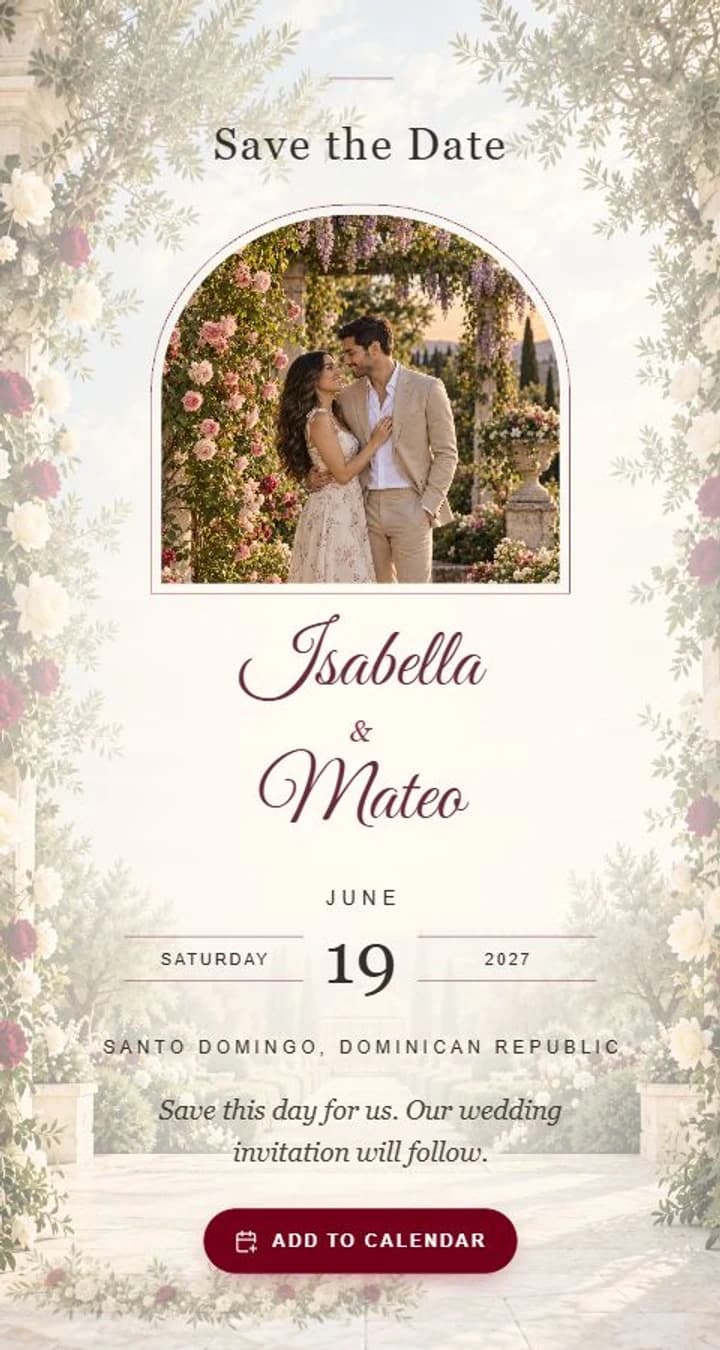
Save the Date
Share the first news of your wedding with a Save the Date that matches your invitation.
Try it free · Publish when you are ready
Choose your Save the Date
Every design has a matching invitation, for weddings and quinceañeras.
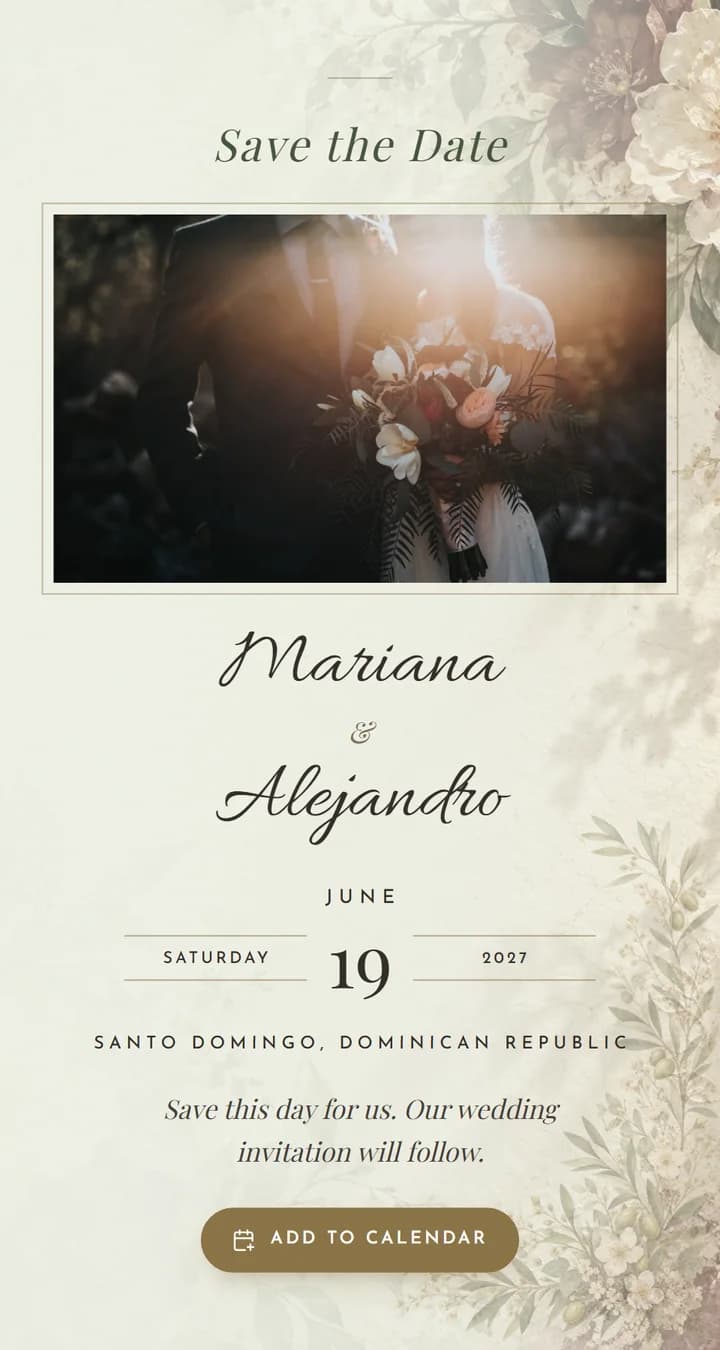
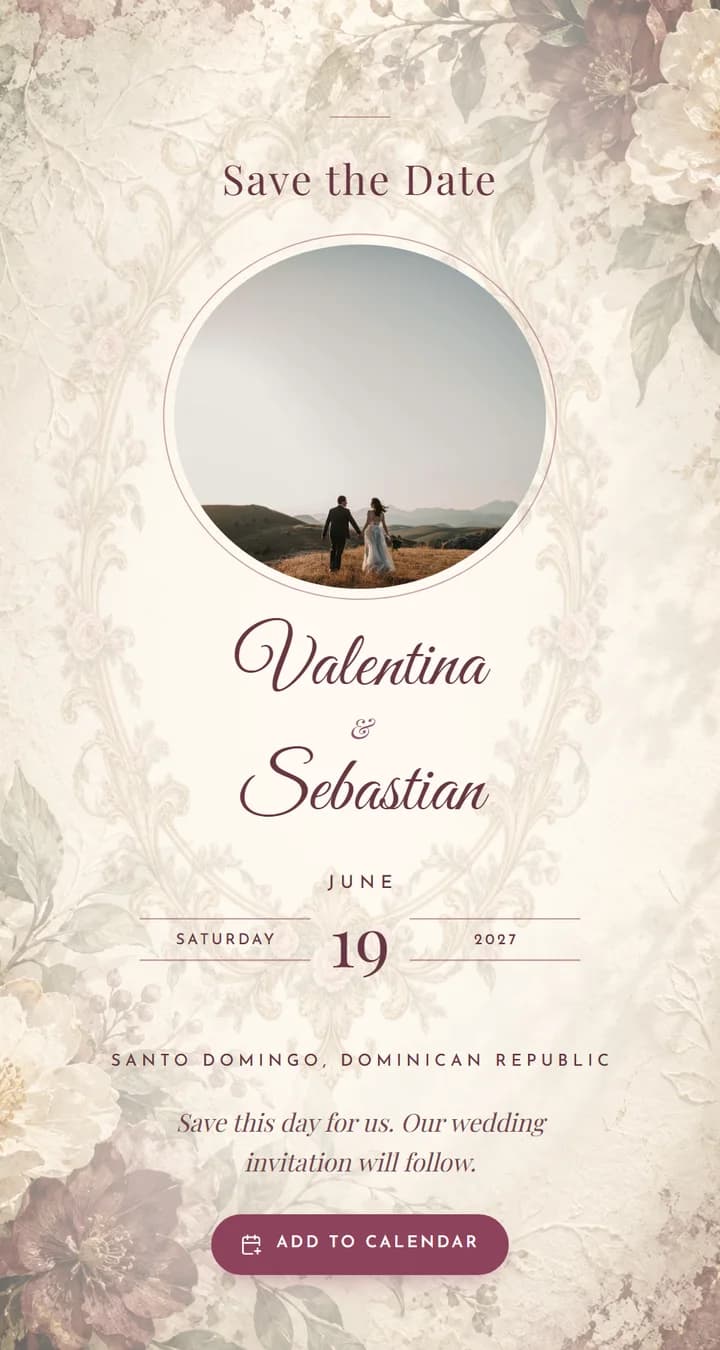
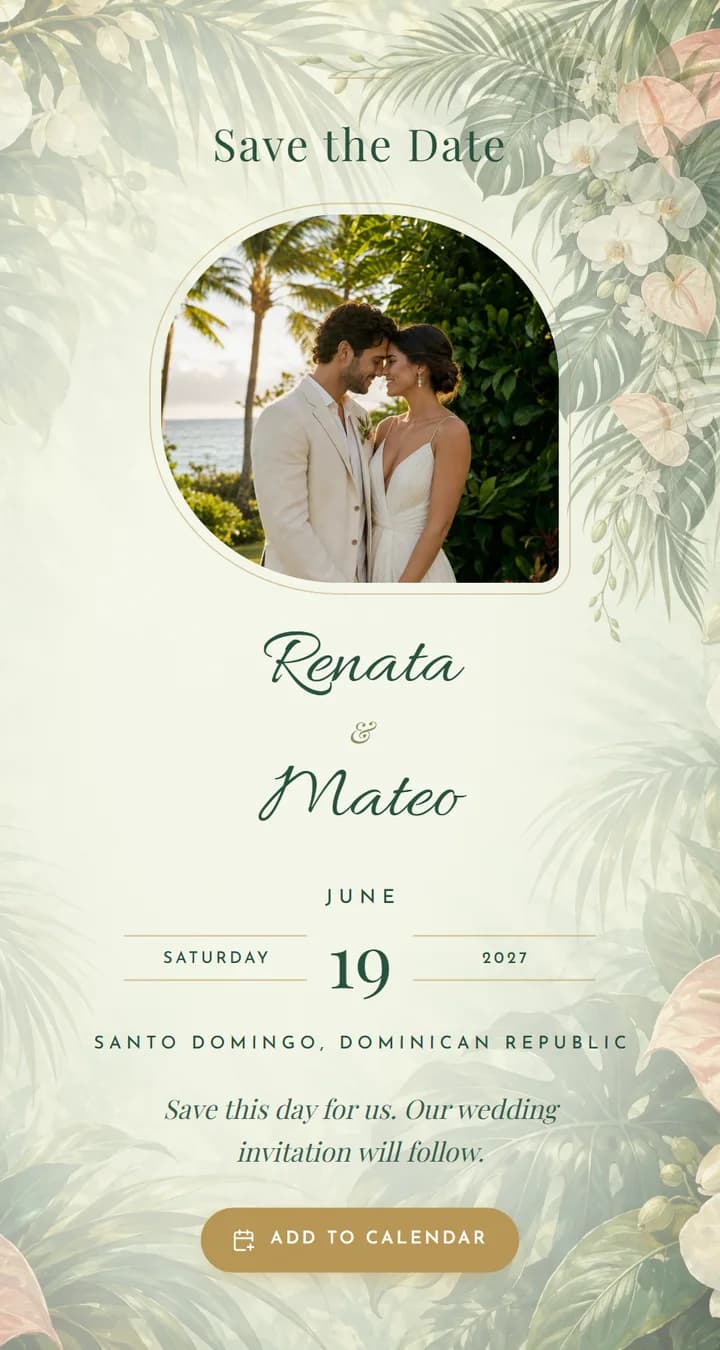
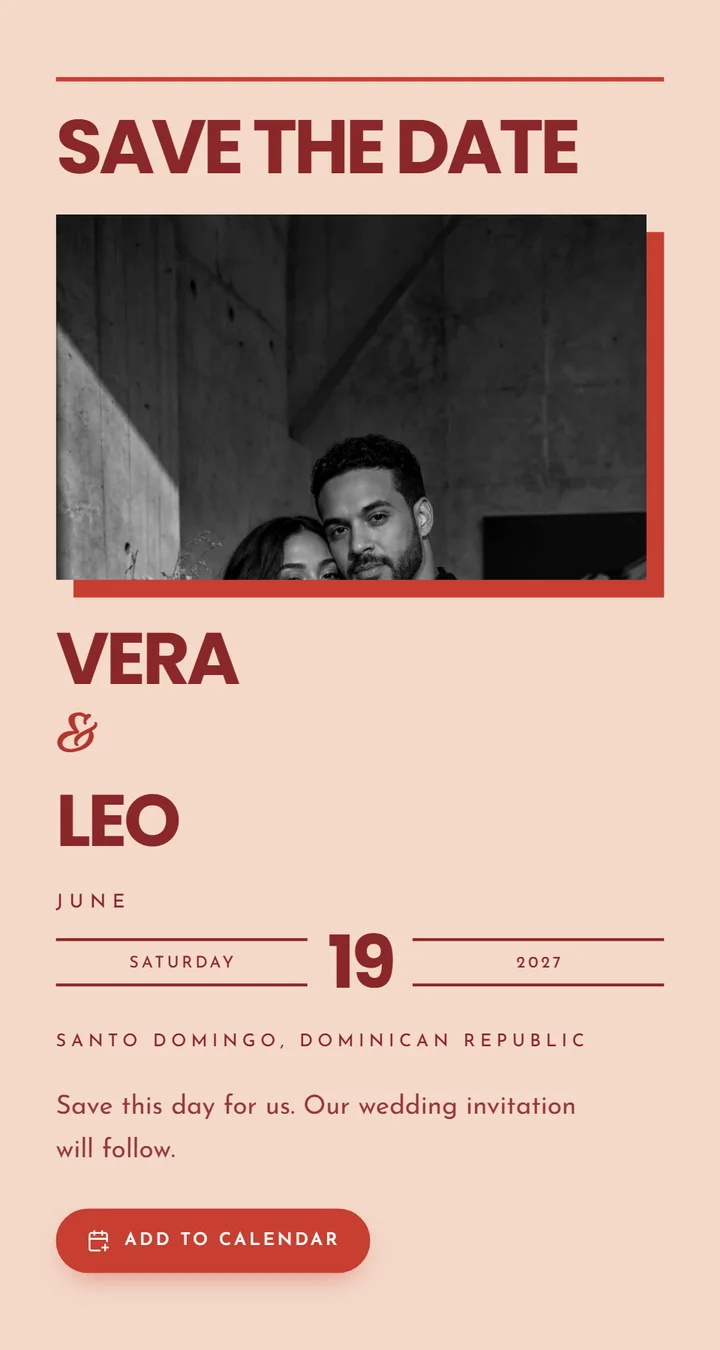
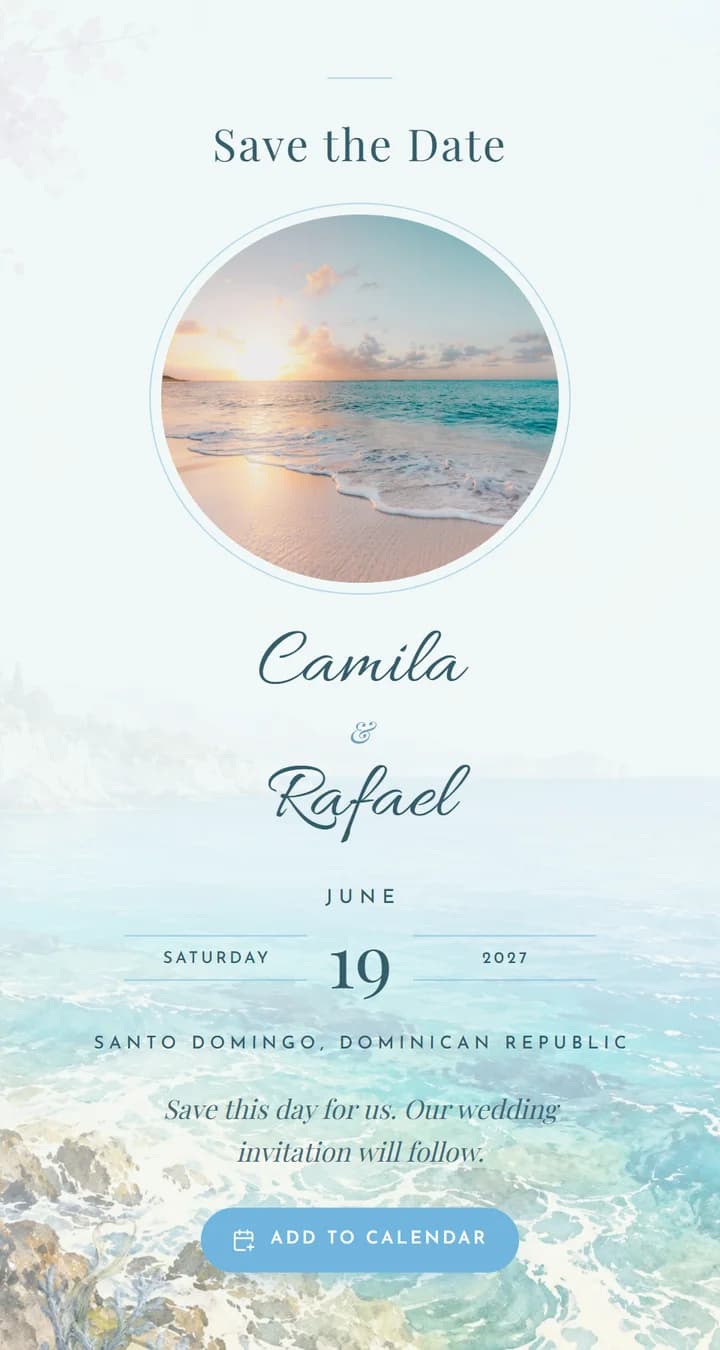
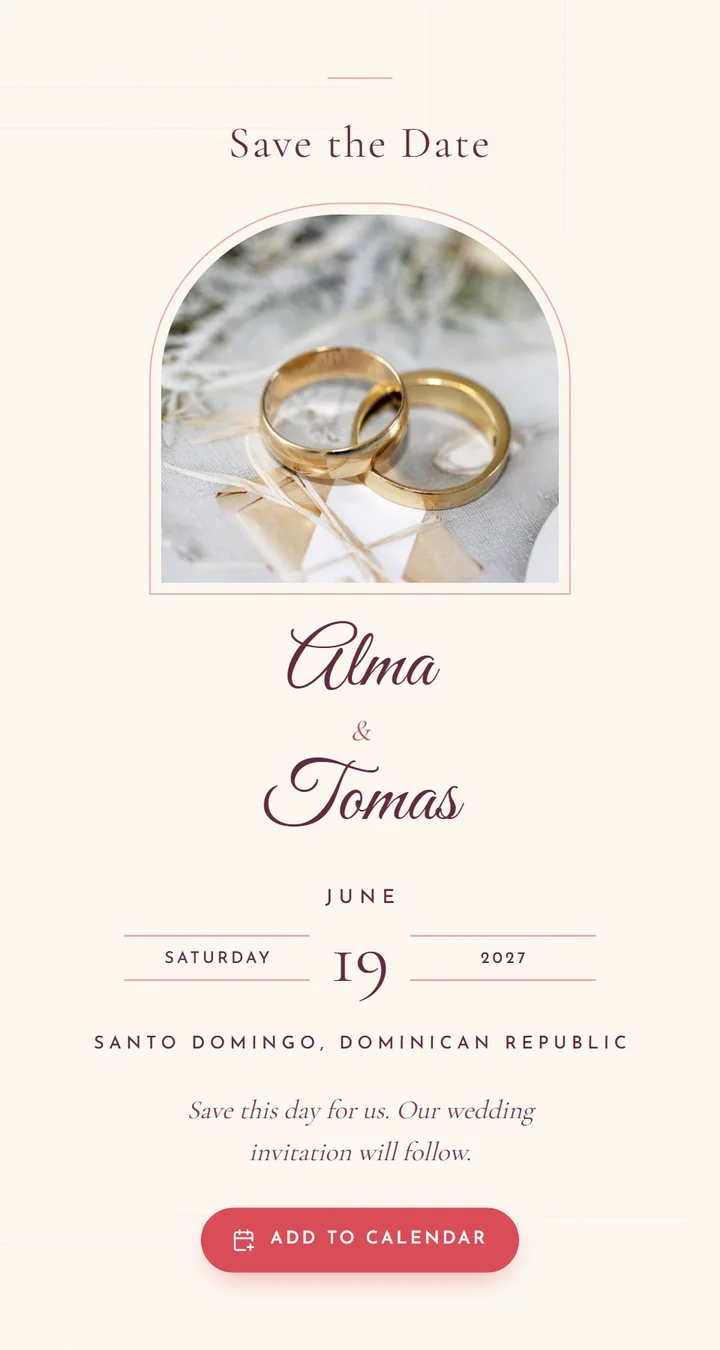
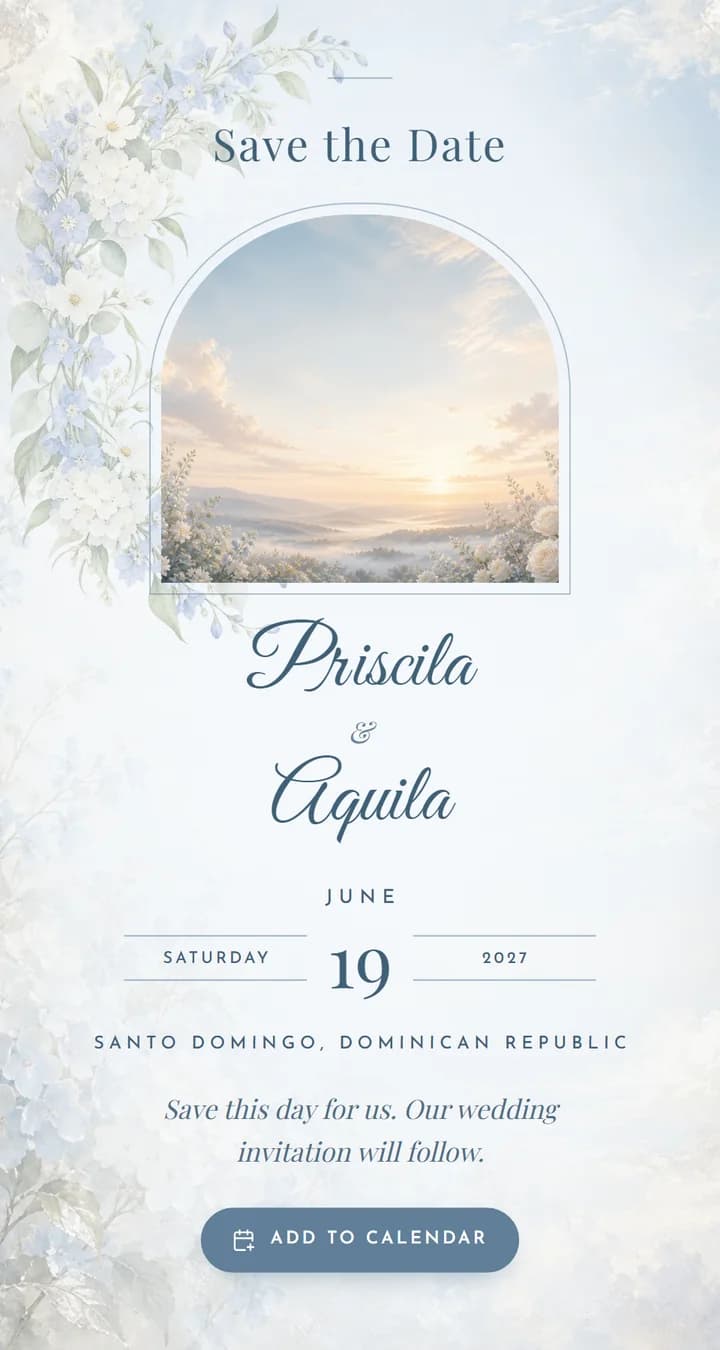
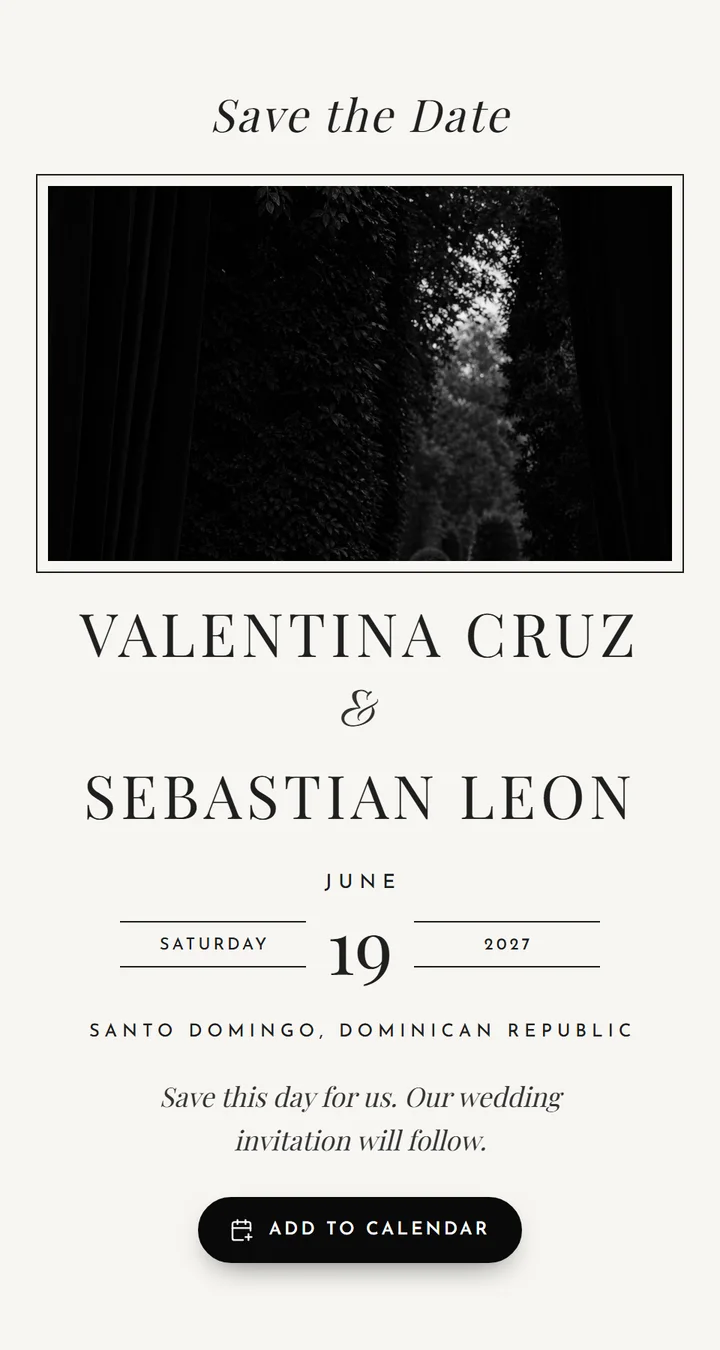
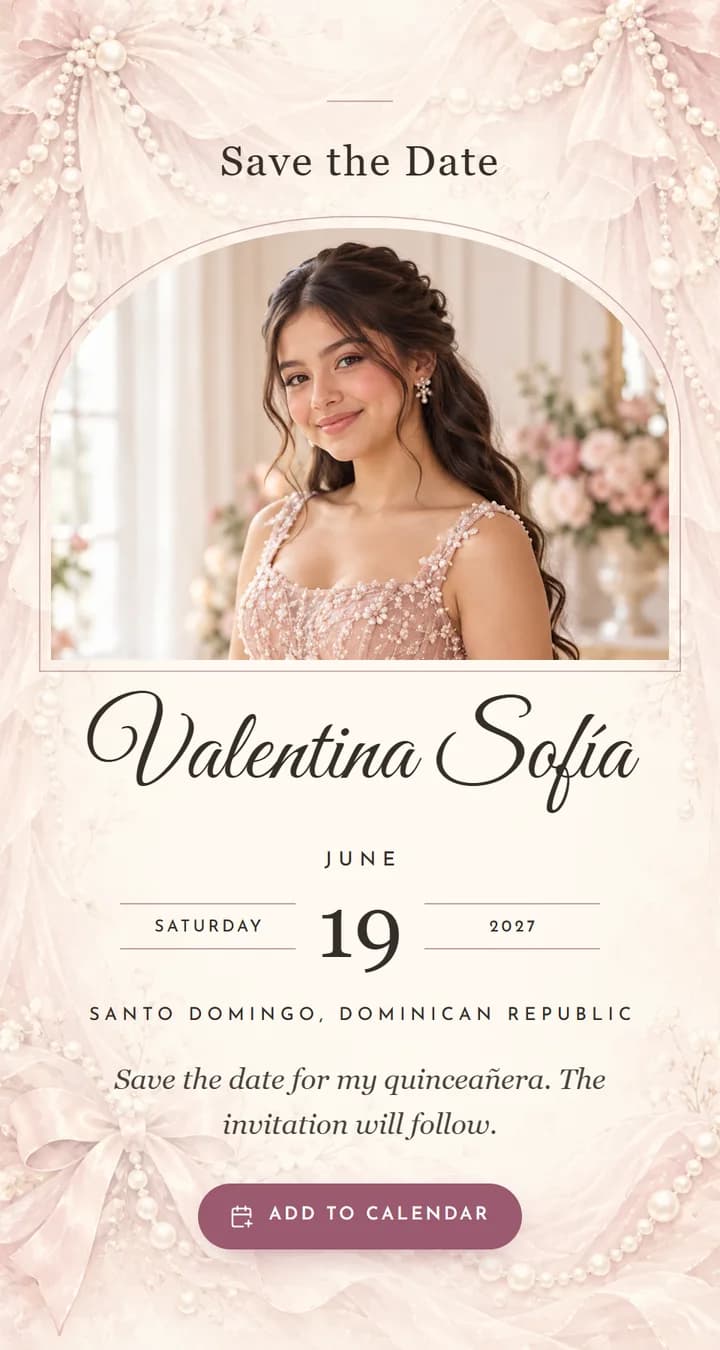
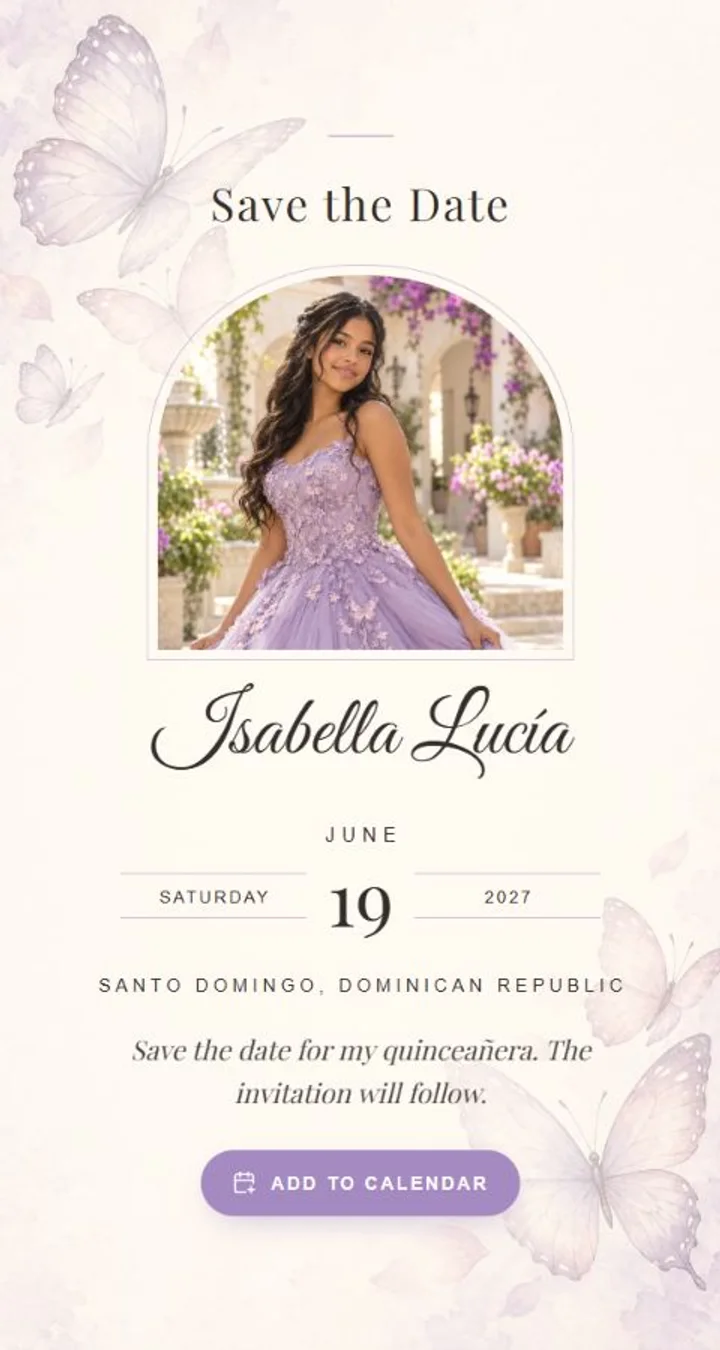
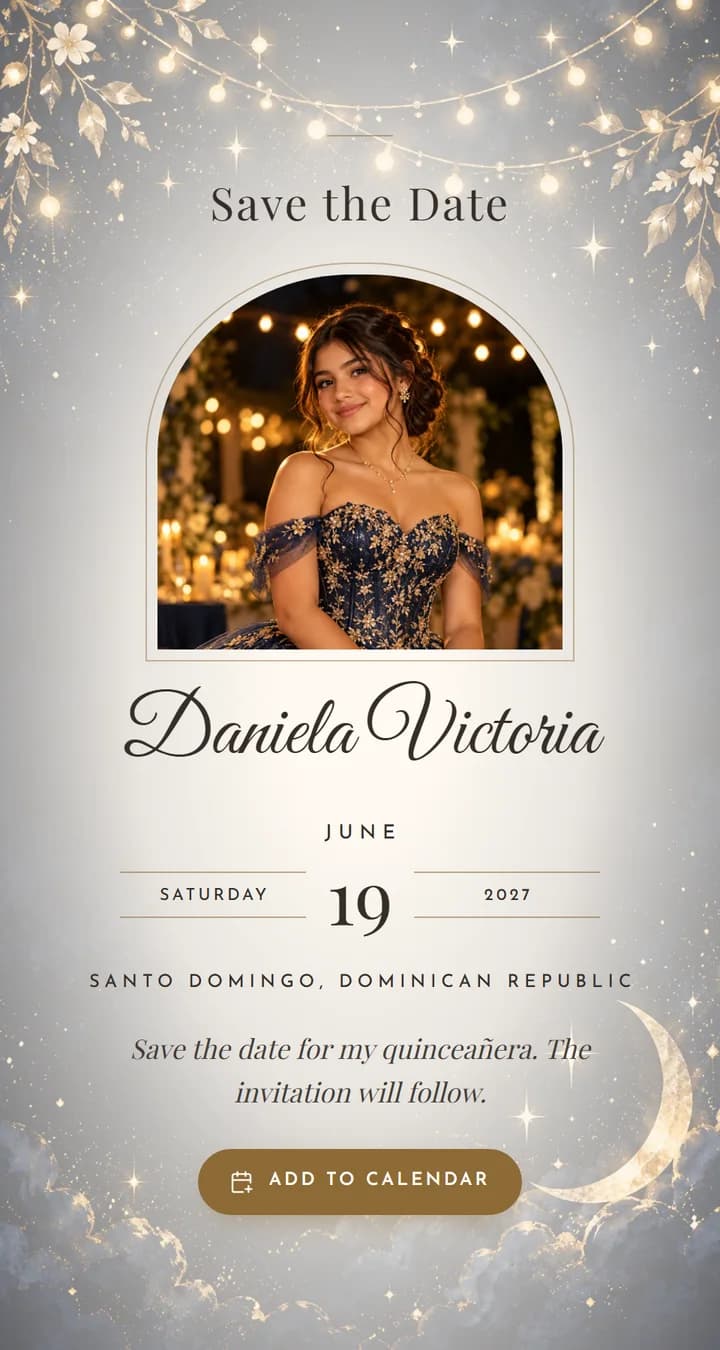
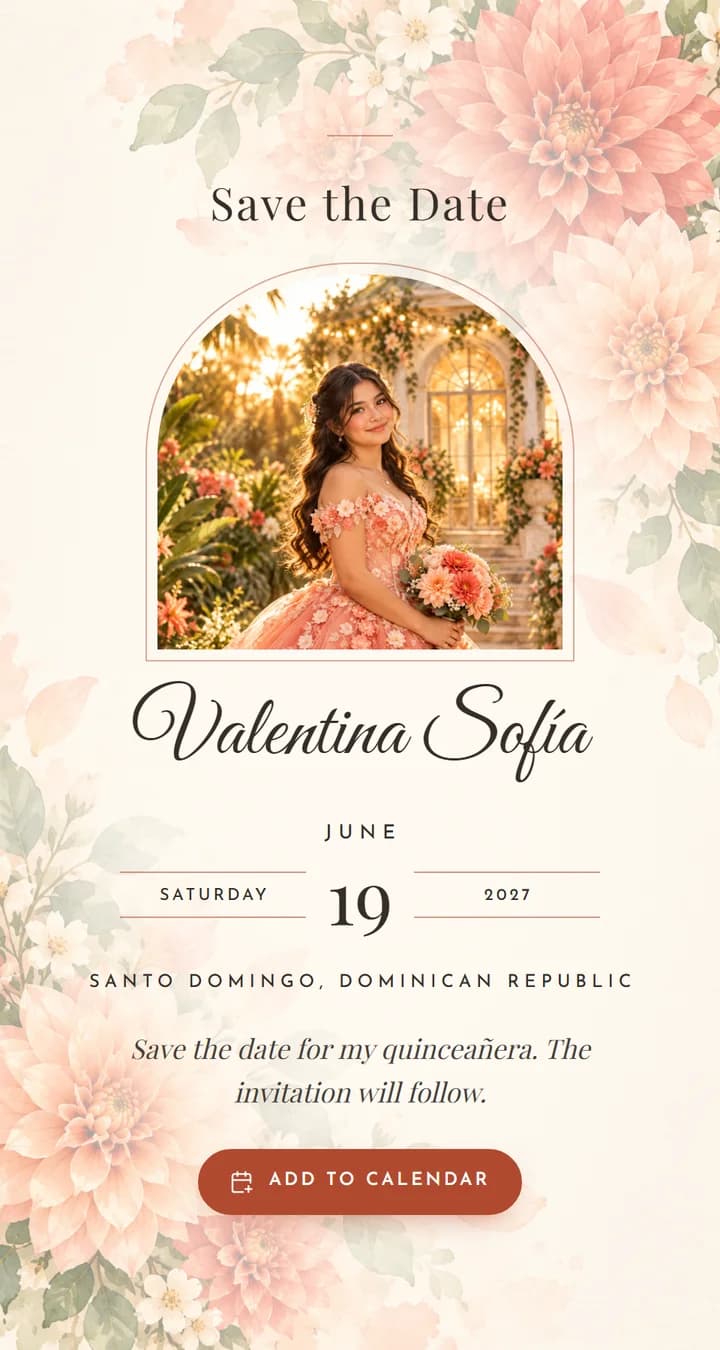
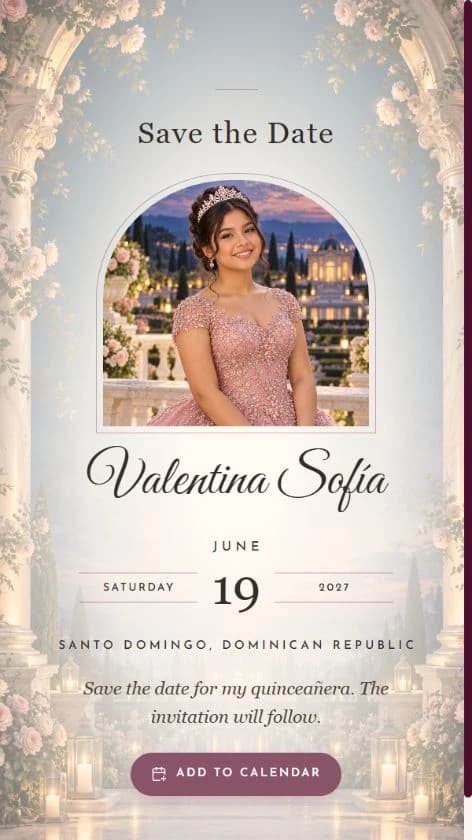
Choose a design
Florals, coastal details or timeless simplicity.
Make it yours
Names, date, city, photo and message. Try it free before buying.
Share the link
Publish when you are ready and send it by WhatsApp.
Made for your first announcement
Everything you need to say: save our date.
The essentials, beautifully told
Your names, wedding date and city. Share the news even while the rest of the celebration is still taking shape.
A design that feels like you
Personalize your photo, its crop, your message and accent color. Preview the result as you prepare your announcement.
Ready to share by link
Publish from your dashboard and send your Save the Date by WhatsApp or your preferred messaging app.
Your guests, together
Keep an unlimited guest list for your event. Add a wedding invitation later and retain the same guests.
Two moments. One celebration.
Send the Save the Date once your date is confirmed. Share the wedding invitation when your guests can discover the details and respond.
| At a glance | Save the Date | Wedding invitation |
|---|---|---|
| Purpose | Announce the date | Share the celebration details |
| Content | Names, date, city, photo and message | Event details and sections for your chosen design |
| Guest responses | An announcement, without RSVP | RSVP through your wedding invitation |
| Publication | Its own link, when you are ready | A separate link and publication |
One price. No subscriptions.
Save the Date
US$30
- Names, date, city, photo and message
- Its own link to share
- Active until 30 days after the date
- Unlimited guests
With your wedding invitation
US$15 for the Save the Date
- Buy both together or add the second within 15 days
- One guest list for both
- Matching or different designs
- Two links, one dashboard
Coupons welcome. Start with a free draft and pay only when you want to publish.
Before you share it
Is this the wedding invitation?
It is your first announcement: names, date, location and a personal message. Your wedding invitation is a separate product.
How long is the link active?
Until 30 days after the event date. Adding a wedding invitation can extend this period according to its plan.
Can I try it first?
Yes. Personalize a free draft and purchase when you are ready to publish. Buying does not publish automatically.
Make your date a moment to remember.
Choose a design, try your names and see it come together before you buy.
Choose my Save the Date