Edit together
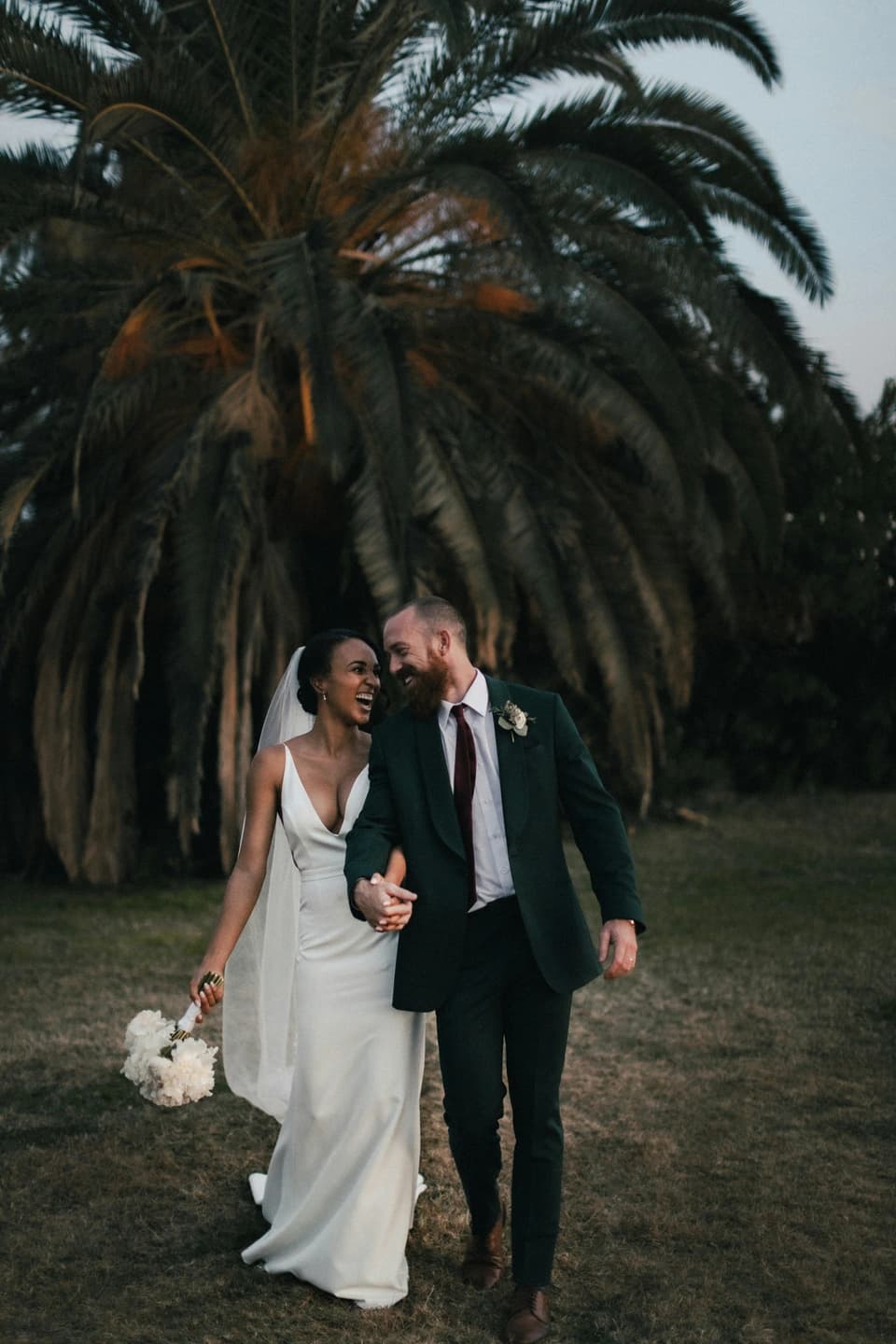
Your collaborator can update the invitation and its photographs.

Location
Hacienda Real
Create an invitation, personalize it, share it on WhatsApp, and manage confirmations from a private dashboard.
Try the editor free. Full access to publish from US$60. One-time payment.
The collection · 11 designs
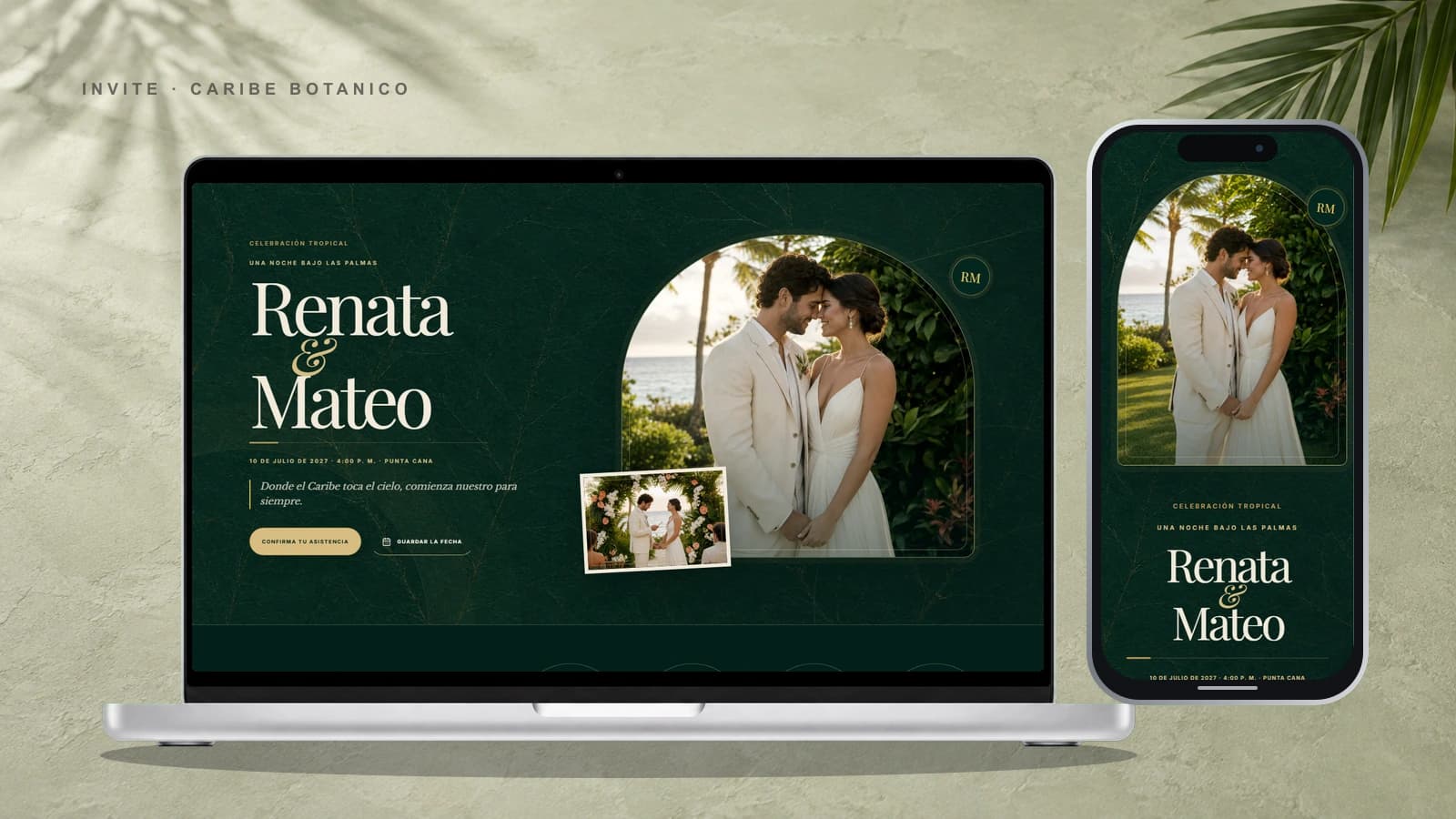
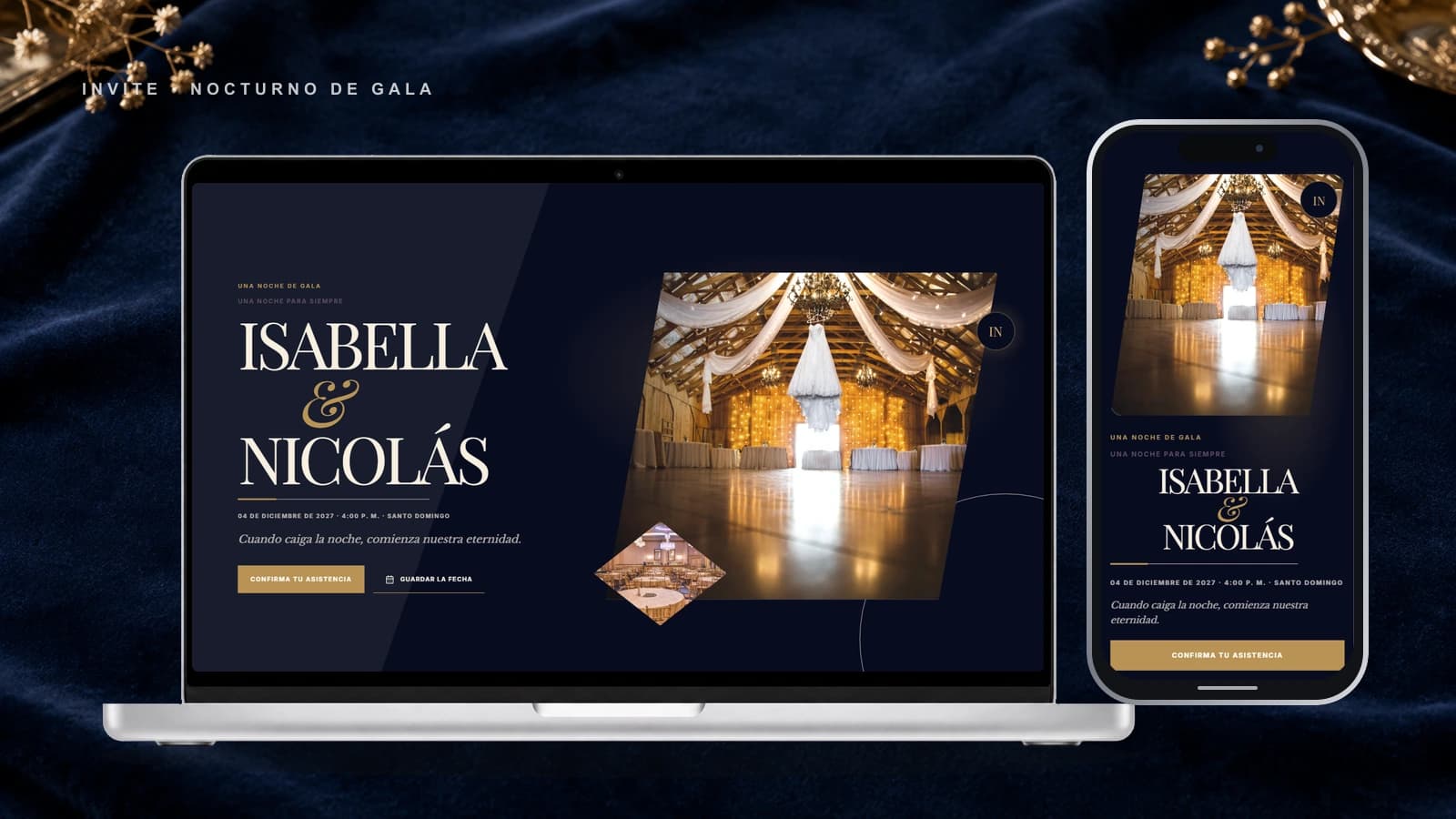
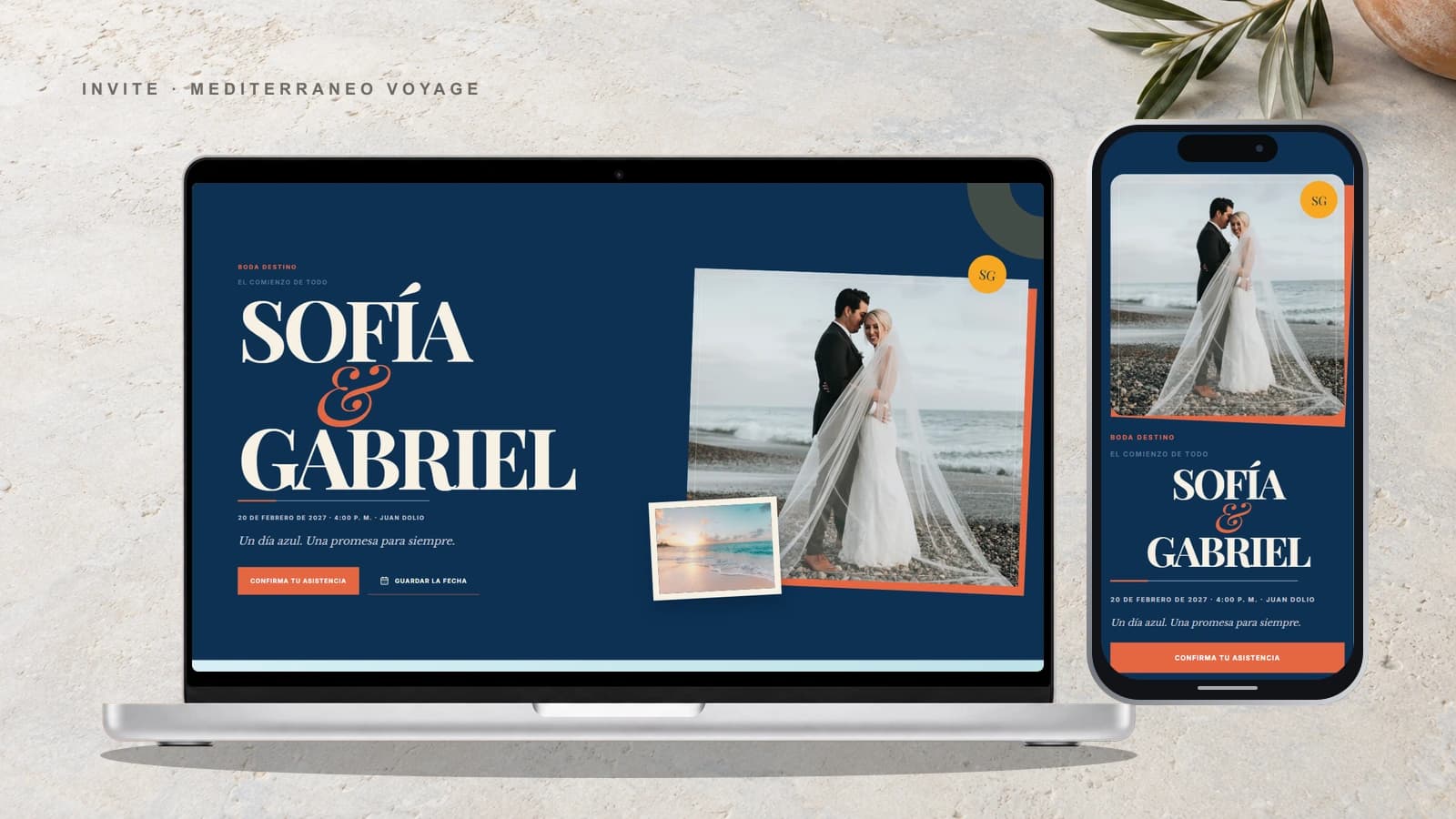
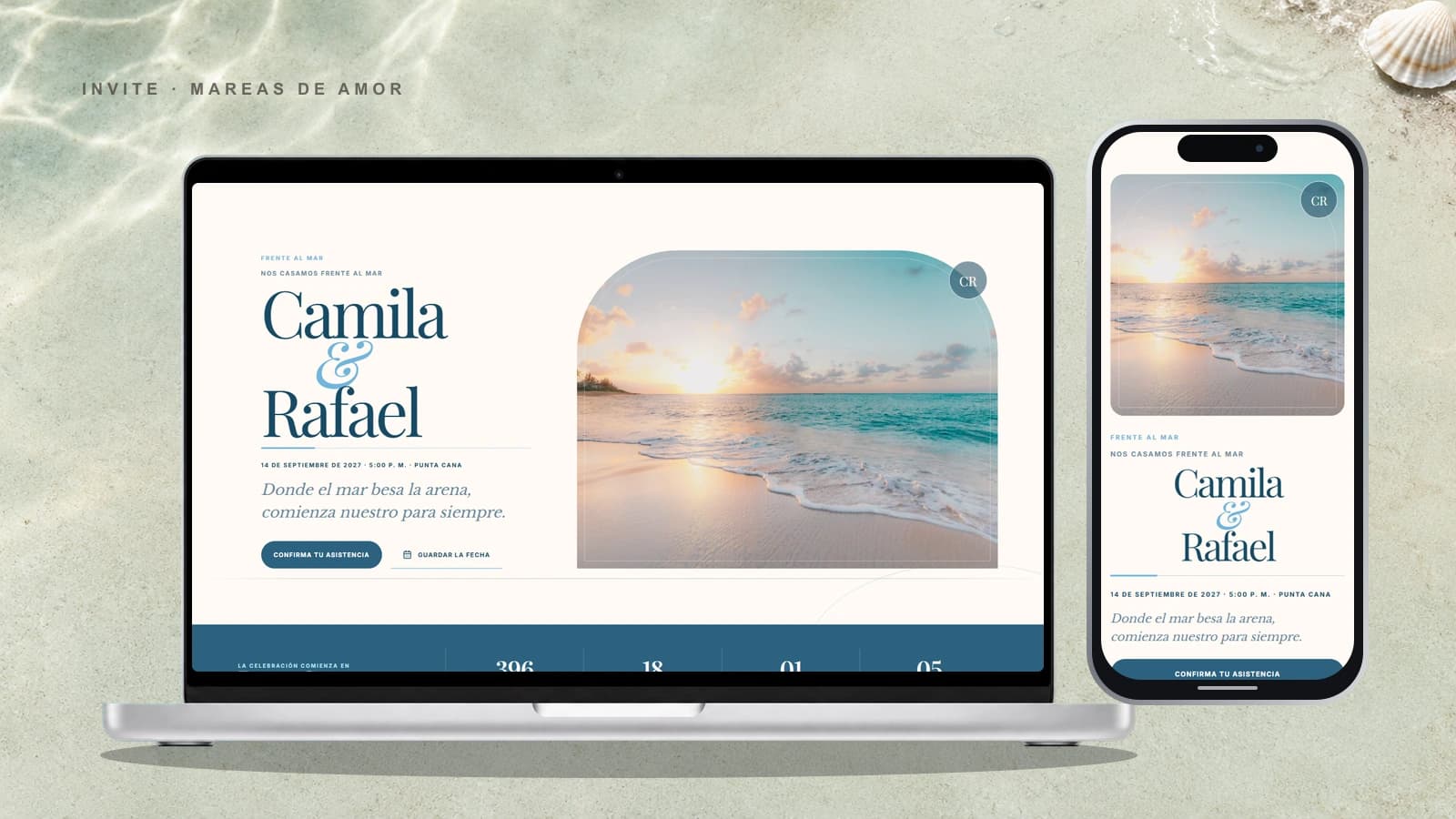
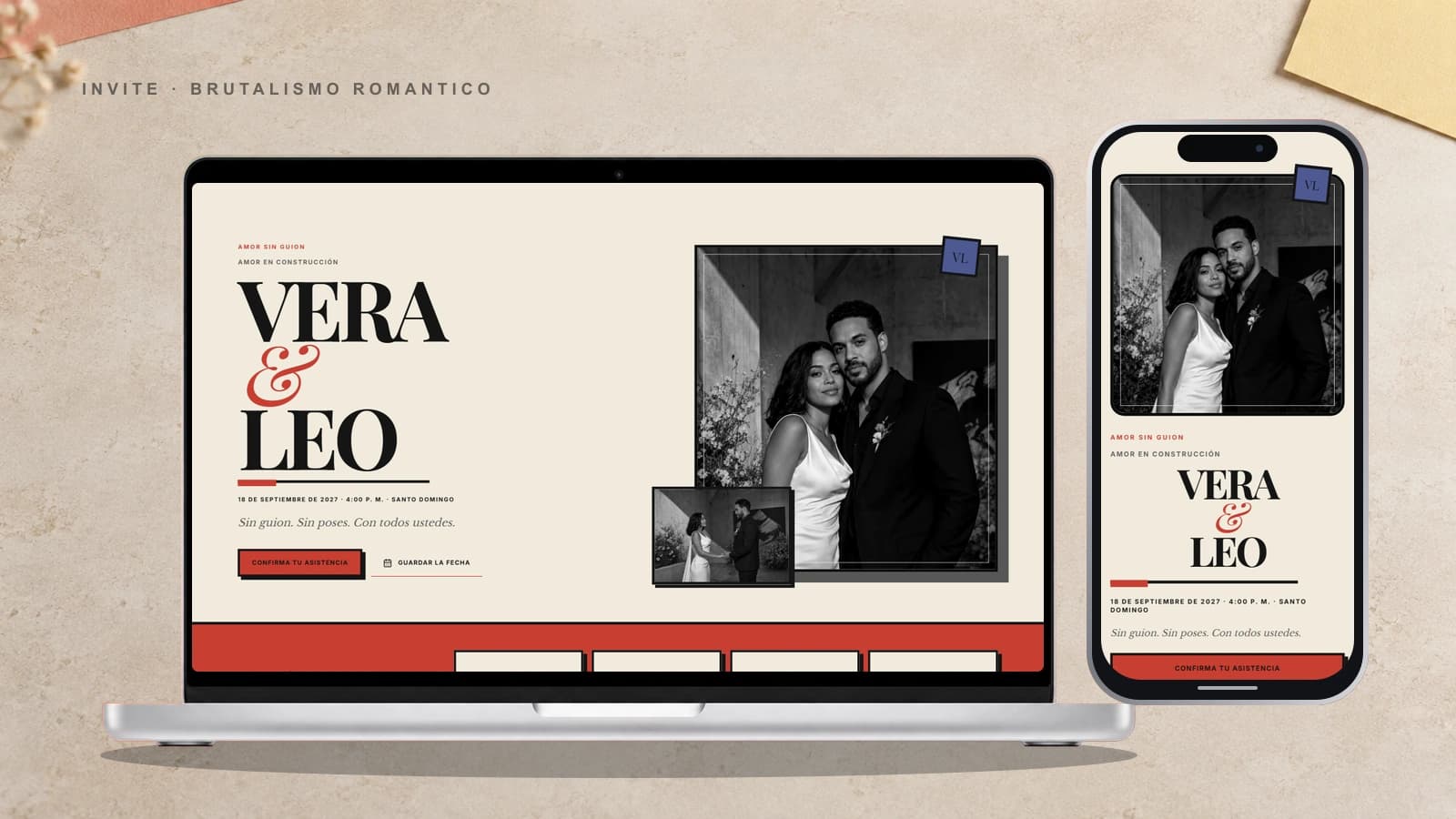
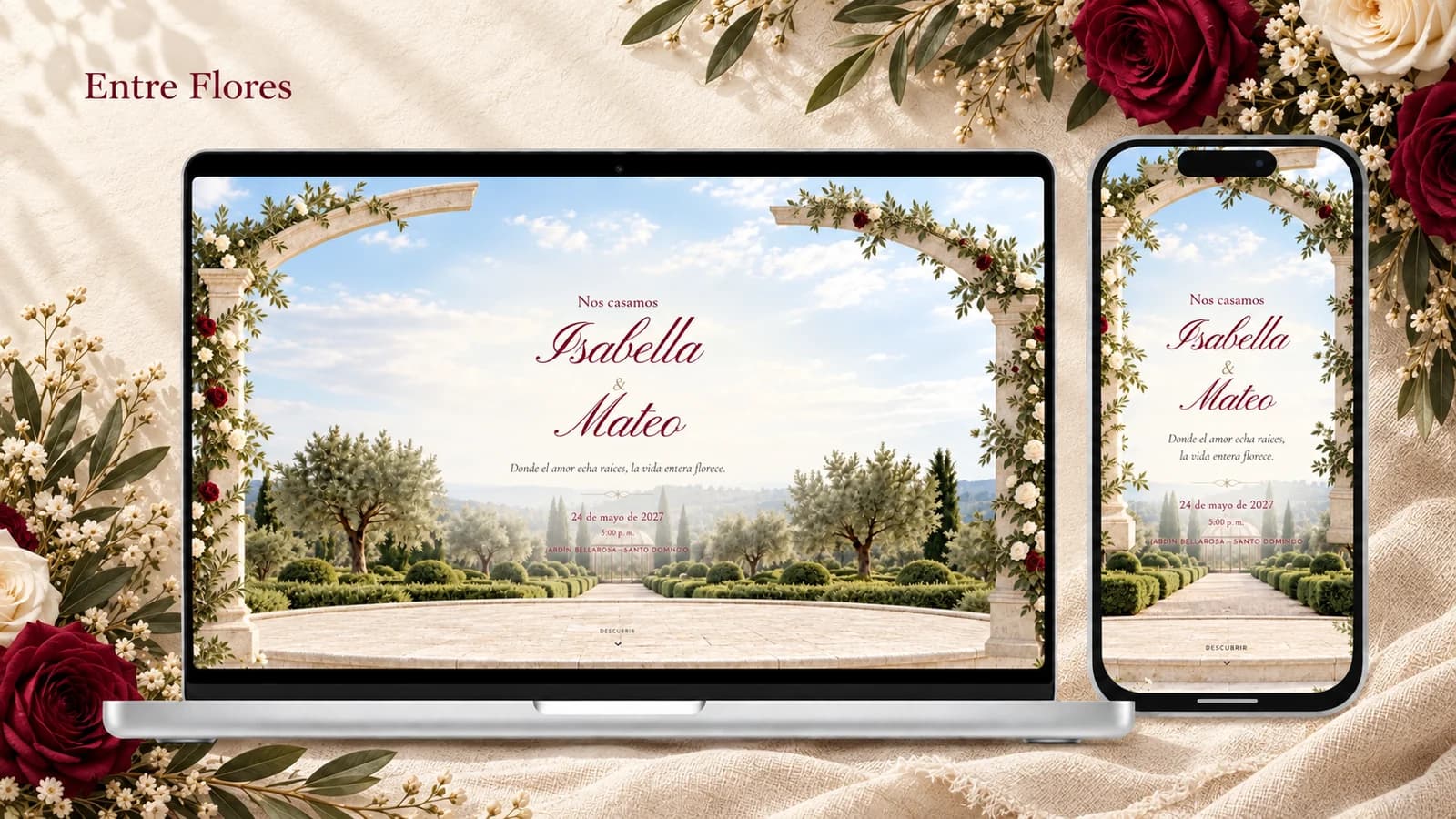
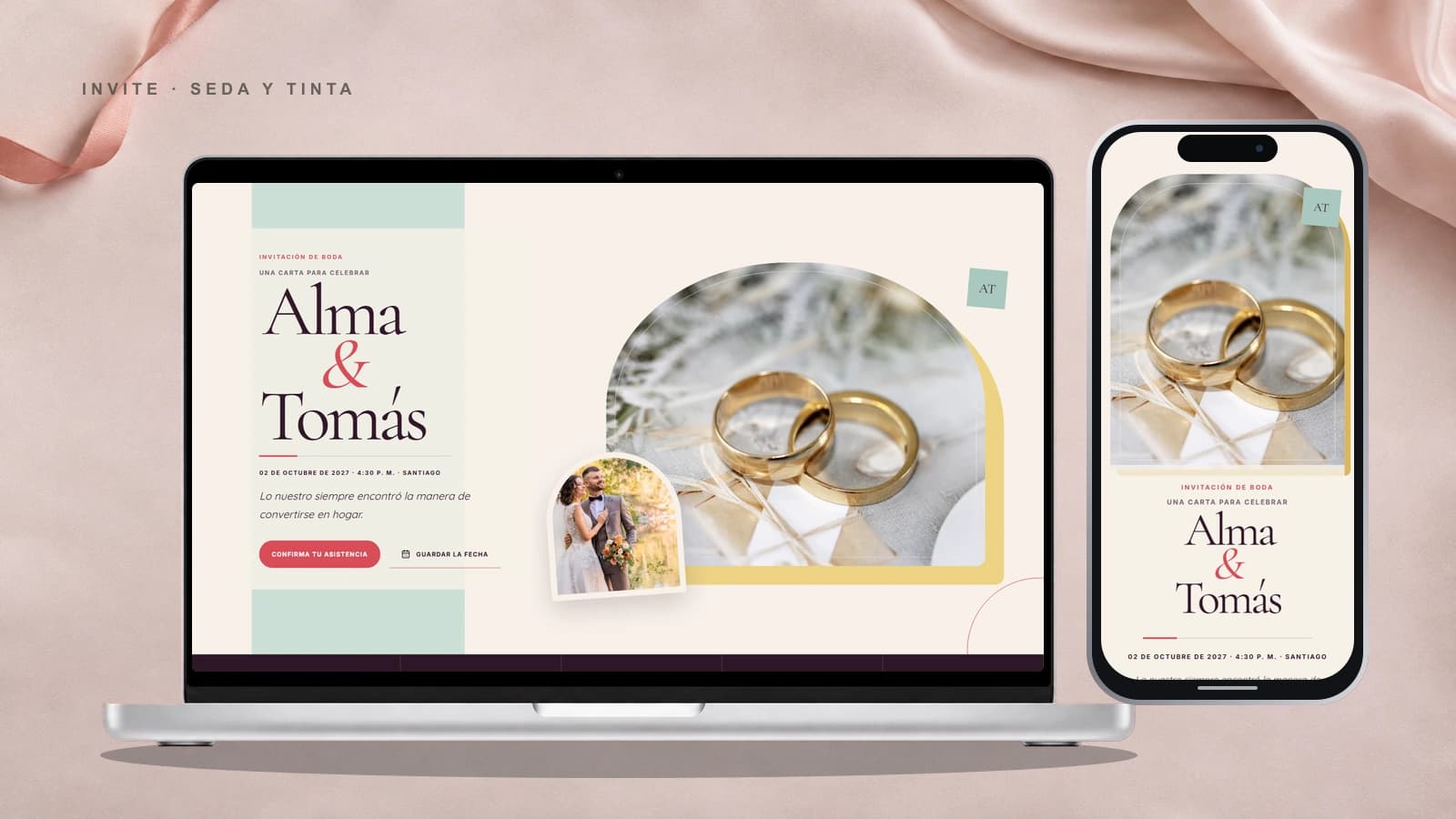
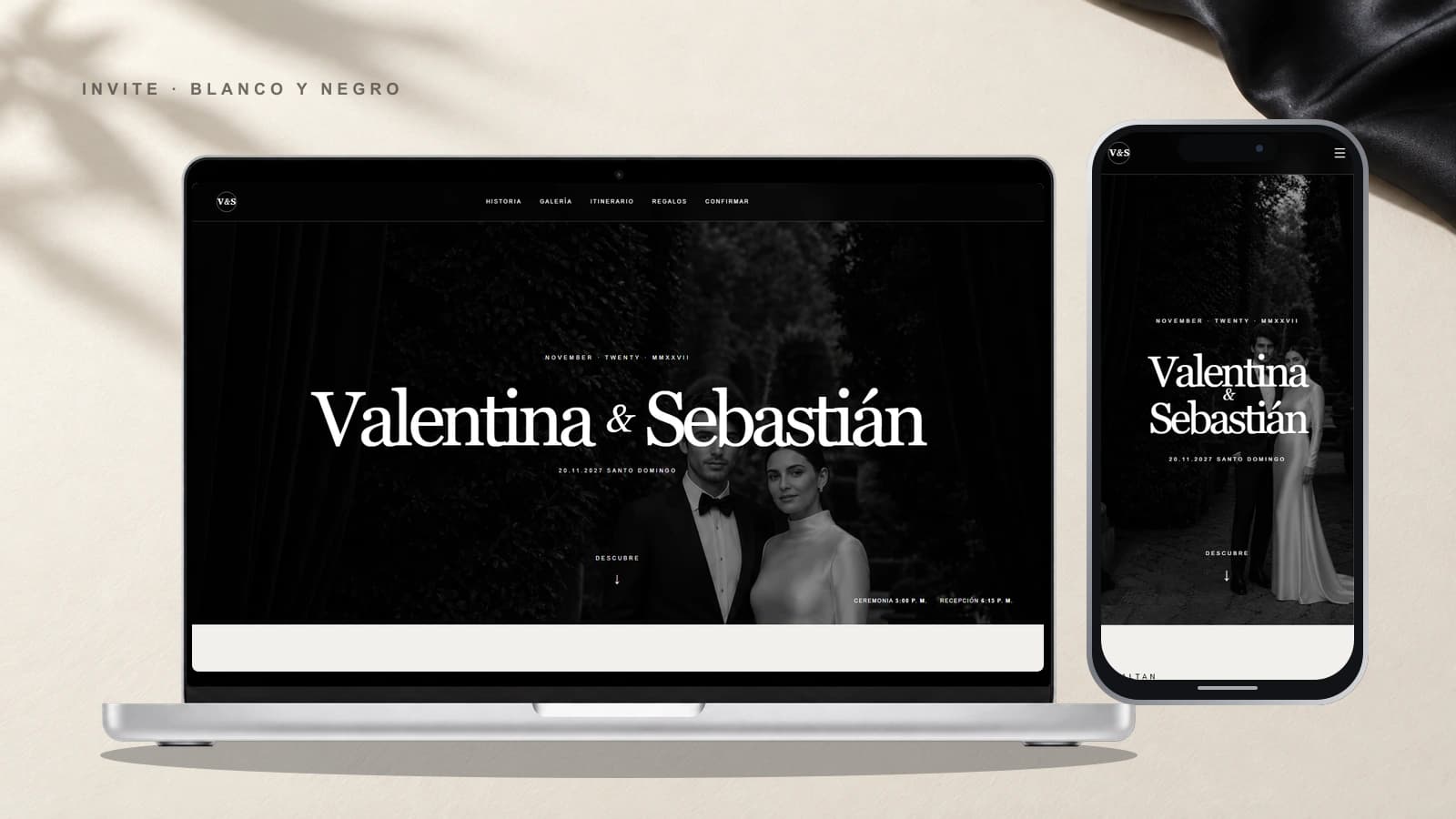
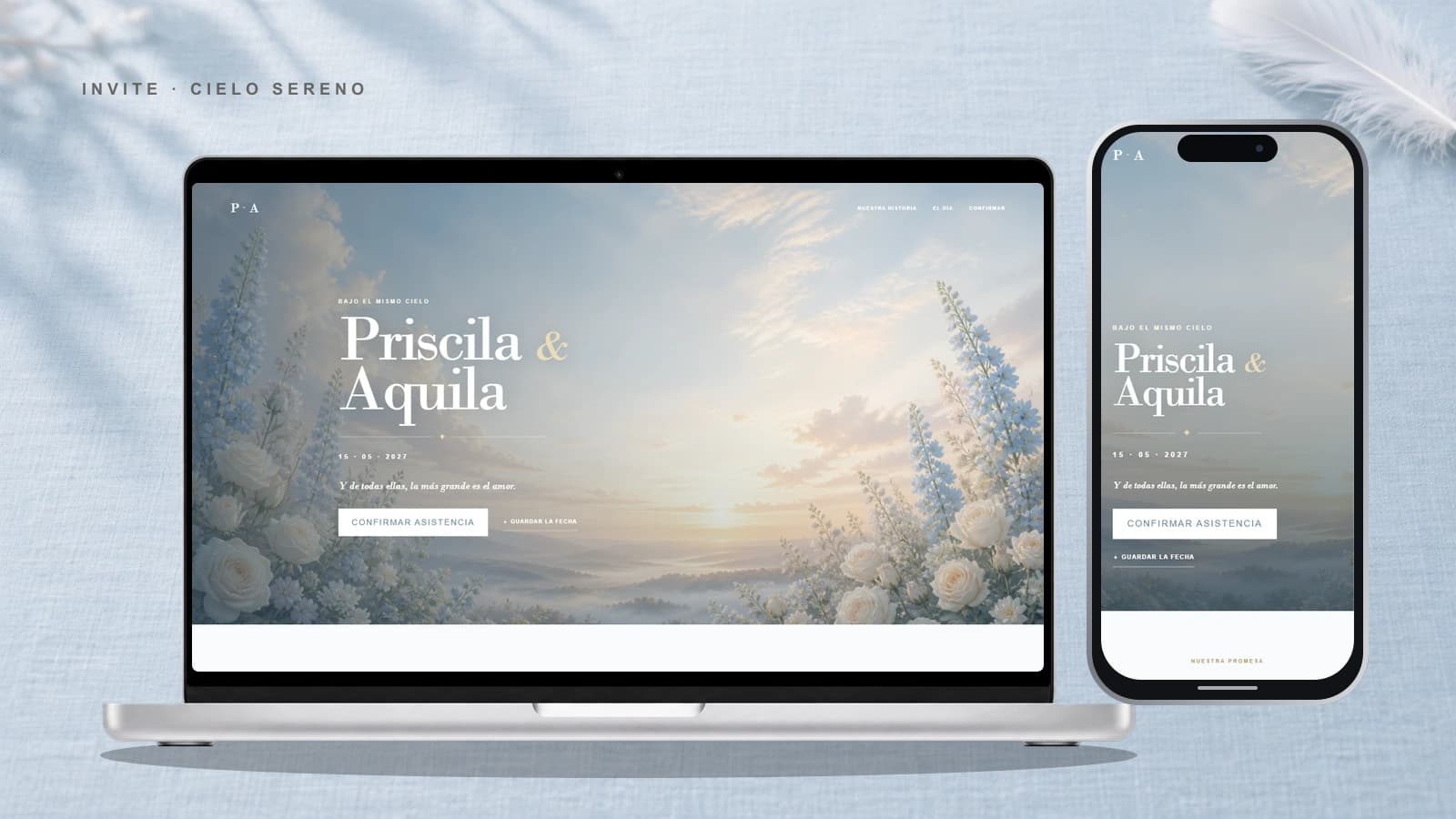
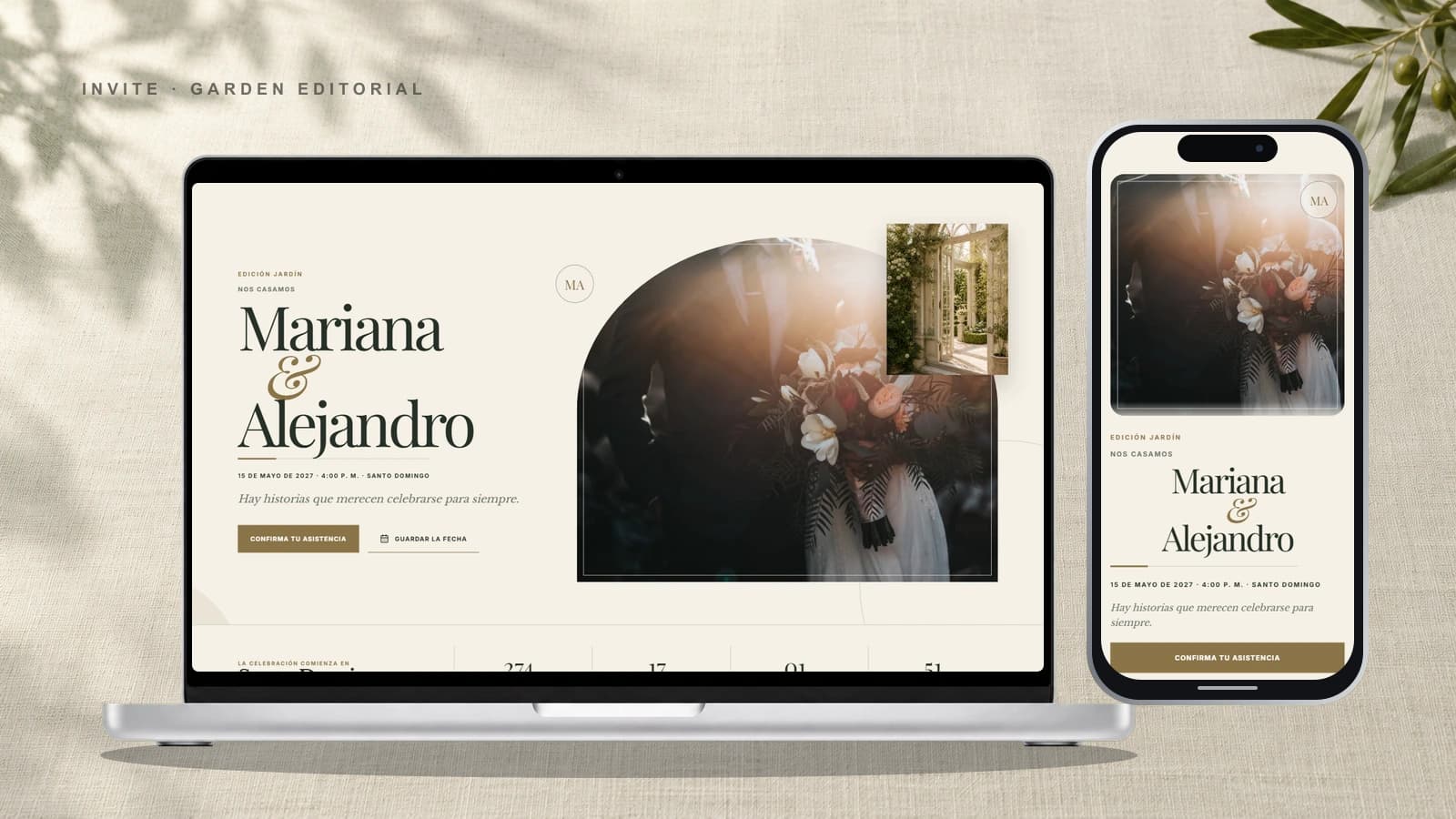
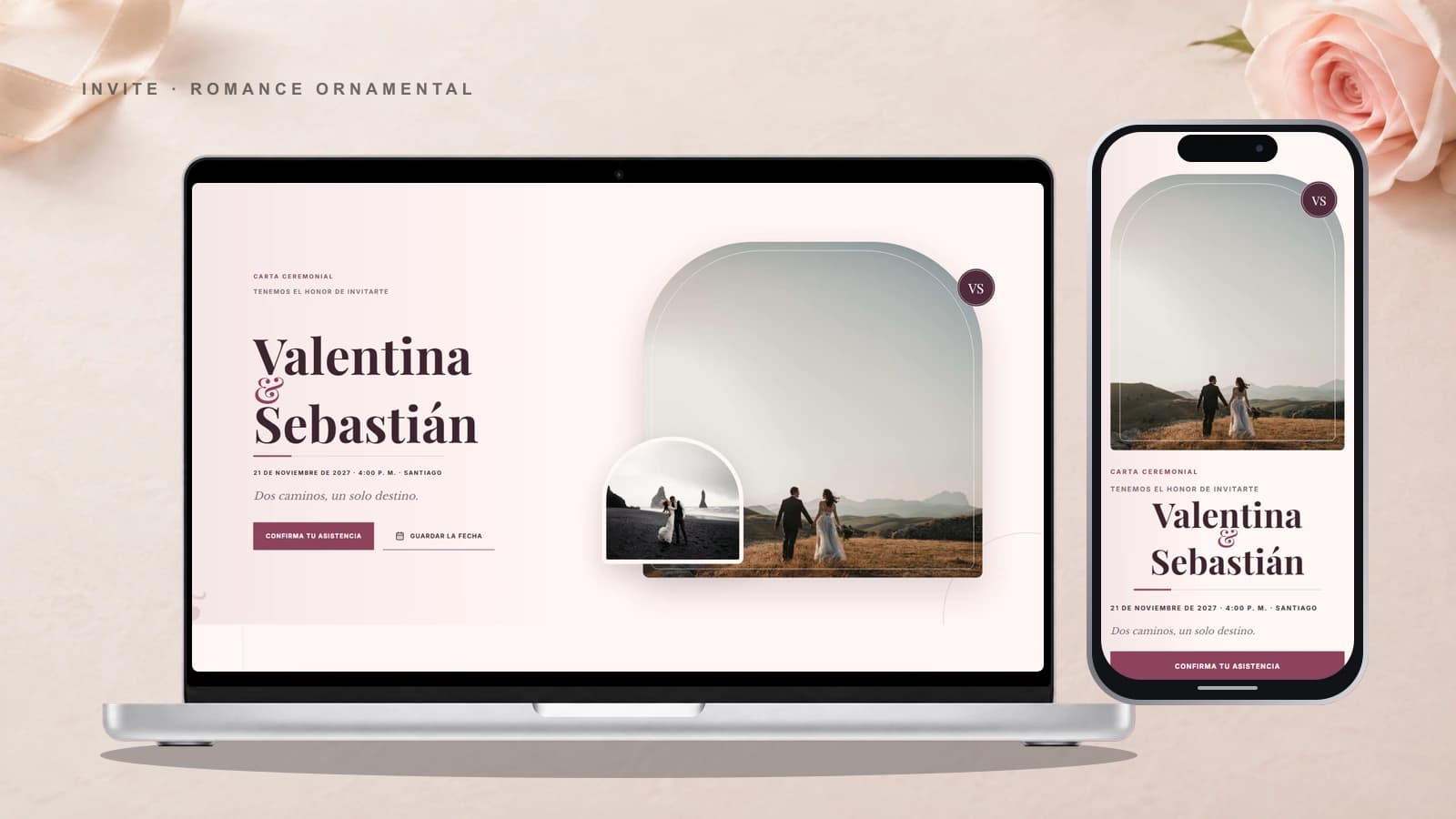
A botanical canopy frames every moment of the celebration.
100% Digital
Ready instantly, no waiting
Unlimited Guests
Invite everyone
Built-in RSVP
Guests reply inside the invitation
We designed every detail to make your invitation perfect and useful.
Exclusive templates with elegant typography and background music.
Build excitement and anticipation before the celebration.
Share your best moments in high resolution.
Event organizer
Budget, checklist, vendors, table seating and a quantity calculator in one private panel. Try it right here — then open yours for free.
Ana & Luis’s wedding
142 days to goTotal budget
$30,000
Guests
150
Per guest
$200
Paid so far
$11,400
Suggested split for a wedding. Edit every line.
Your Event
Maria & Carlos Wedding
0
Confirmed
0
Attending
0
Pending
0
Declined
María García
2 people
Carlos Rodríguez
3 people
Ana Martínez
1 person
Manage your guest confirmations professionally. Know exactly who will attend your event with our real-time dashboard.
Unique links per guest
Each guest receives their personal link
Guest counter
Define how many people each can bring
Share via WhatsApp
Send with personalized message
New feature
Add a collaborator to a specific invitation. They can edit it and manage guests from their own account, without becoming the purchaser.
Your collaborator can update the invitation and its photographs.
Both can keep the guest list and attendance replies up to date.
Purchase, billing, and ownership information stay private to the purchaser.

We believe an invitation is more than just a date and a place; it's the first step of your celebration. We combine elegant design with a simple, modern experience.
From design to link
Browse the collection directly, or answer three questions if you prefer a recommendation.
Start a draft without an account, email, or card. Edit your details and preview the result live; you create the account when you publish.
When the result feels right, make one payment and turn the draft into your published invitation.
Send the link on WhatsApp and organize guests and RSVPs from your private dashboard.
Compare what printed invitations would cost and work out when to send yours.
You save ≈ US$220
Estimated at US$3.5 per printed invitation, envelope and delivery.
Choose how to create
Start with a ready-to-personalize template or create an experience that is entirely yours with our team.
Browse our collection of premium wedding designs, ready to personalize with your details.
Have a specific vision? Our designers will craft a one-of-a-kind digital experience just for you.
Both options include a mobile-optimized digital invitation that is ready to share.
Answers to the most common questions, so you can create and share your invitation with confidence.
With a template, you can personalize your text and photos in just a few minutes. For a custom design, we will agree on a delivery timeline based on the complexity of your idea.
Yes. You can update text, photos, dates, times, and event information from your dashboard. Changes appear at the same link you have already shared.
You will receive a link ready to share through WhatsApp, email, or social media. Guests can open it on any phone, tablet, or computer.
Yes. Guests can RSVP directly from the invitation, while you view responses in real time, manage plus-ones, and download your guest list.
Not at all. The editor makes changing your content simple. If you need help, our team can guide you through the process.
On the Basic plan, the public link stays active until 30 days after the event, and on day 45 the invitation and its data are permanently deleted. On the Pro plan it stays online for 3 months, is deleted on day 105, and before then you can download a copy with your photos from your dashboard.
Create an invitation as unique as your event. Start yours today.
Before you choose
These guides connect design with the decisions that shape the actual experience: the event type, guest replies, and the channel through which the invitation arrives.
Compare formats, organize the essential details, and see what a wedding invitation needs to work well for every guest.
Explore the wedding guideLearn how to assign party sizes, collect replies, and keep the complete guest list in one organized place.
Understand digital RSVPPrepare a mobile-friendly link that is easy to forward and complete enough to prevent repetitive guest questions.
View the WhatsApp guide