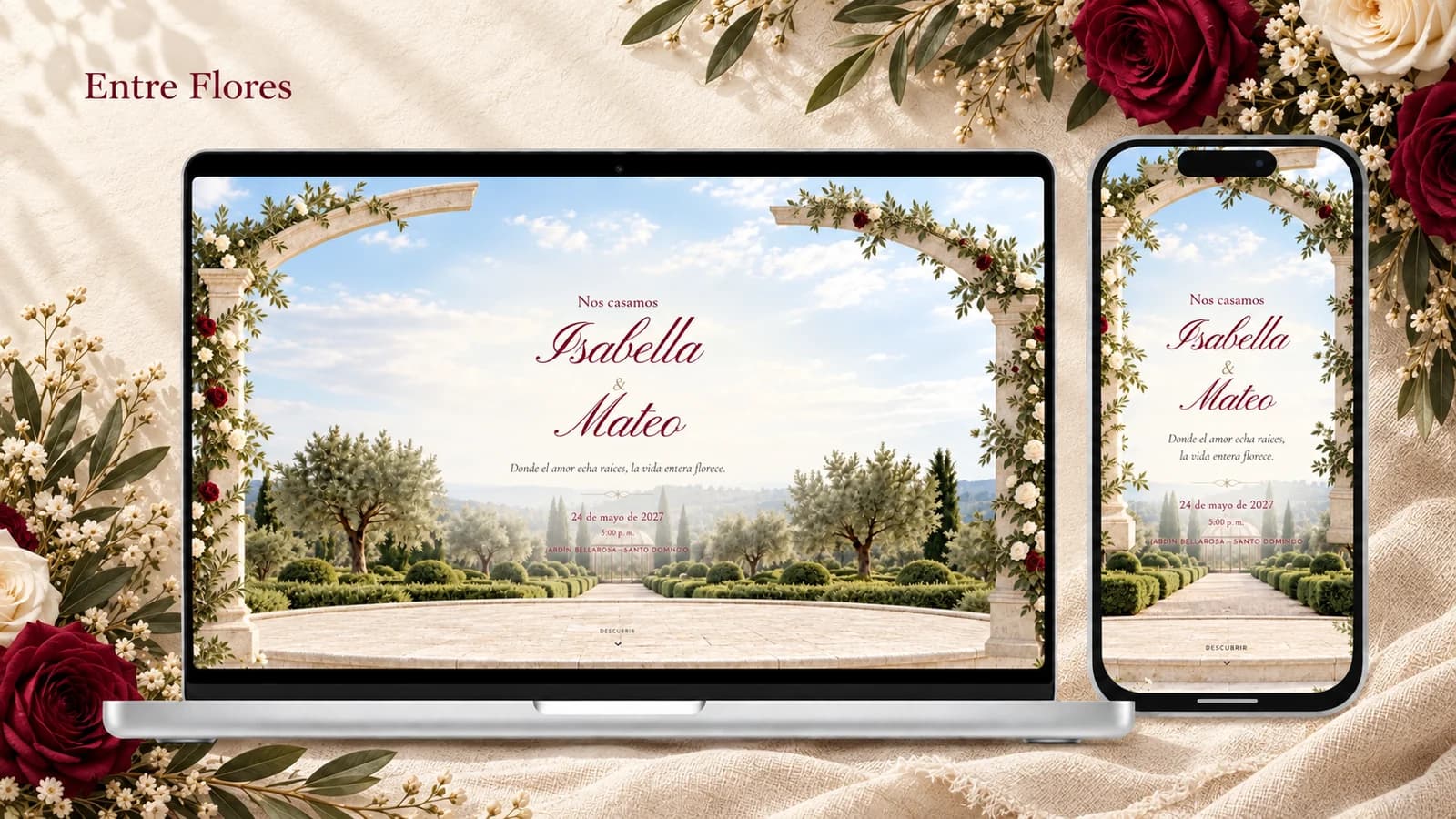
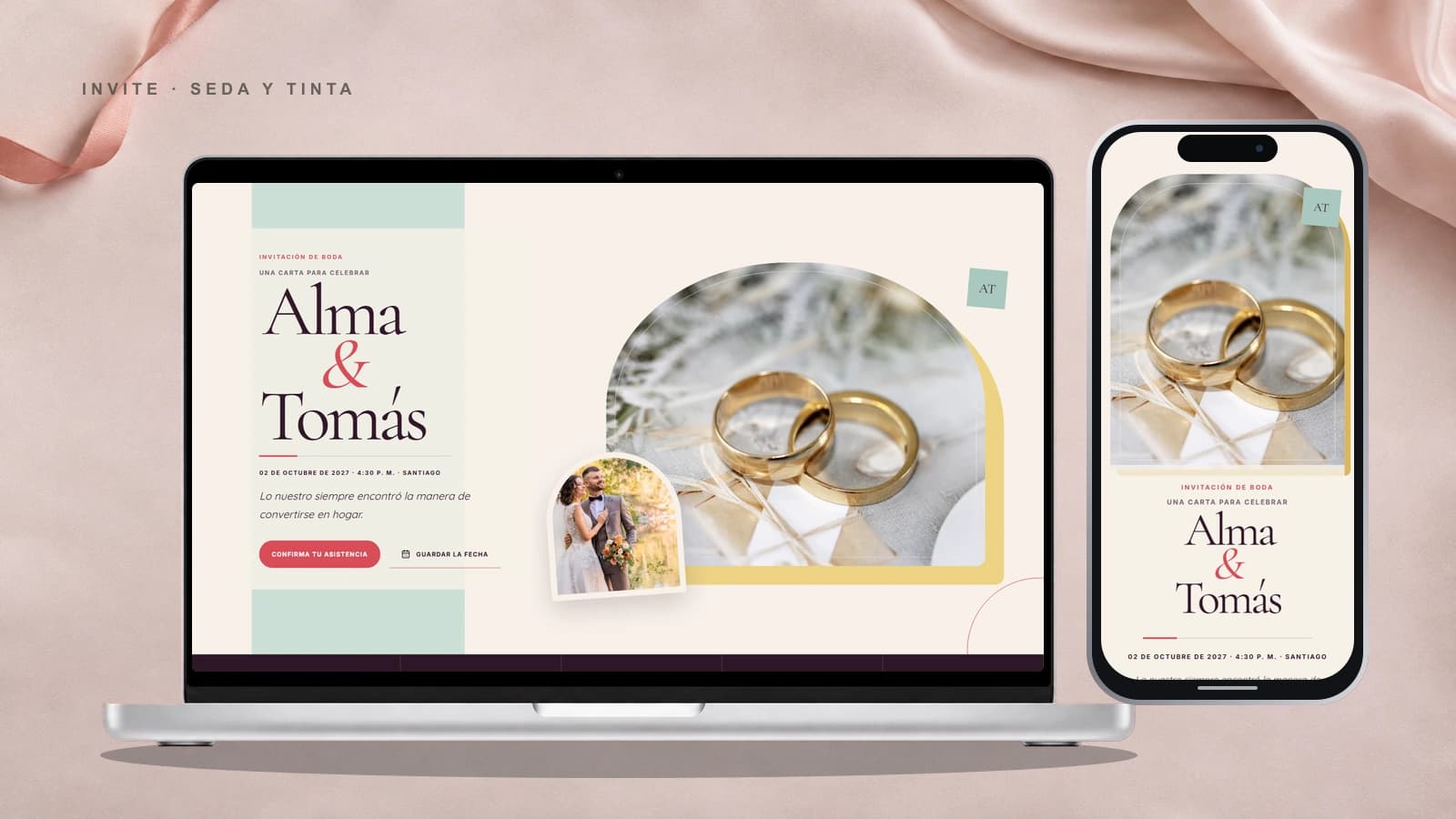
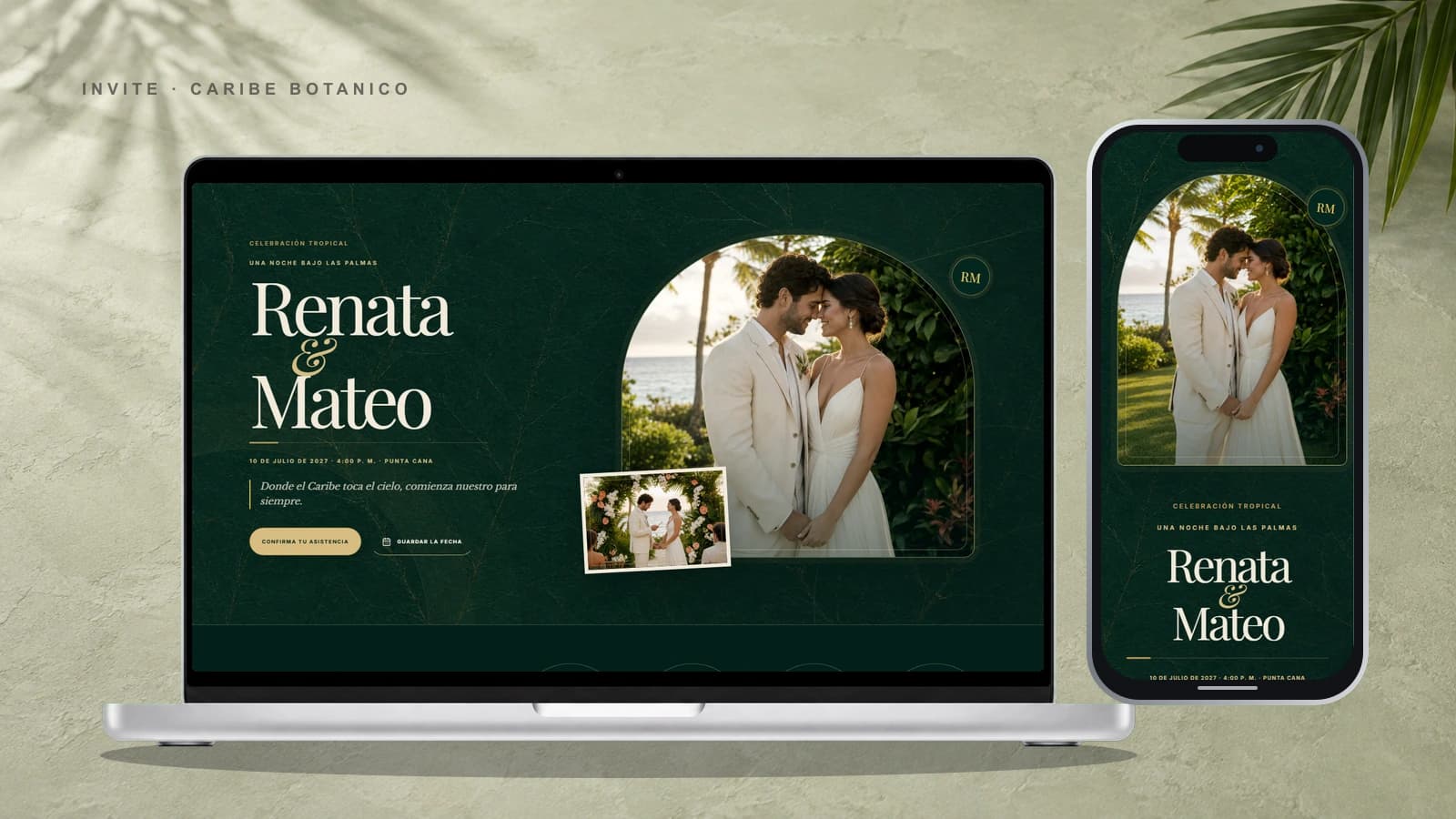
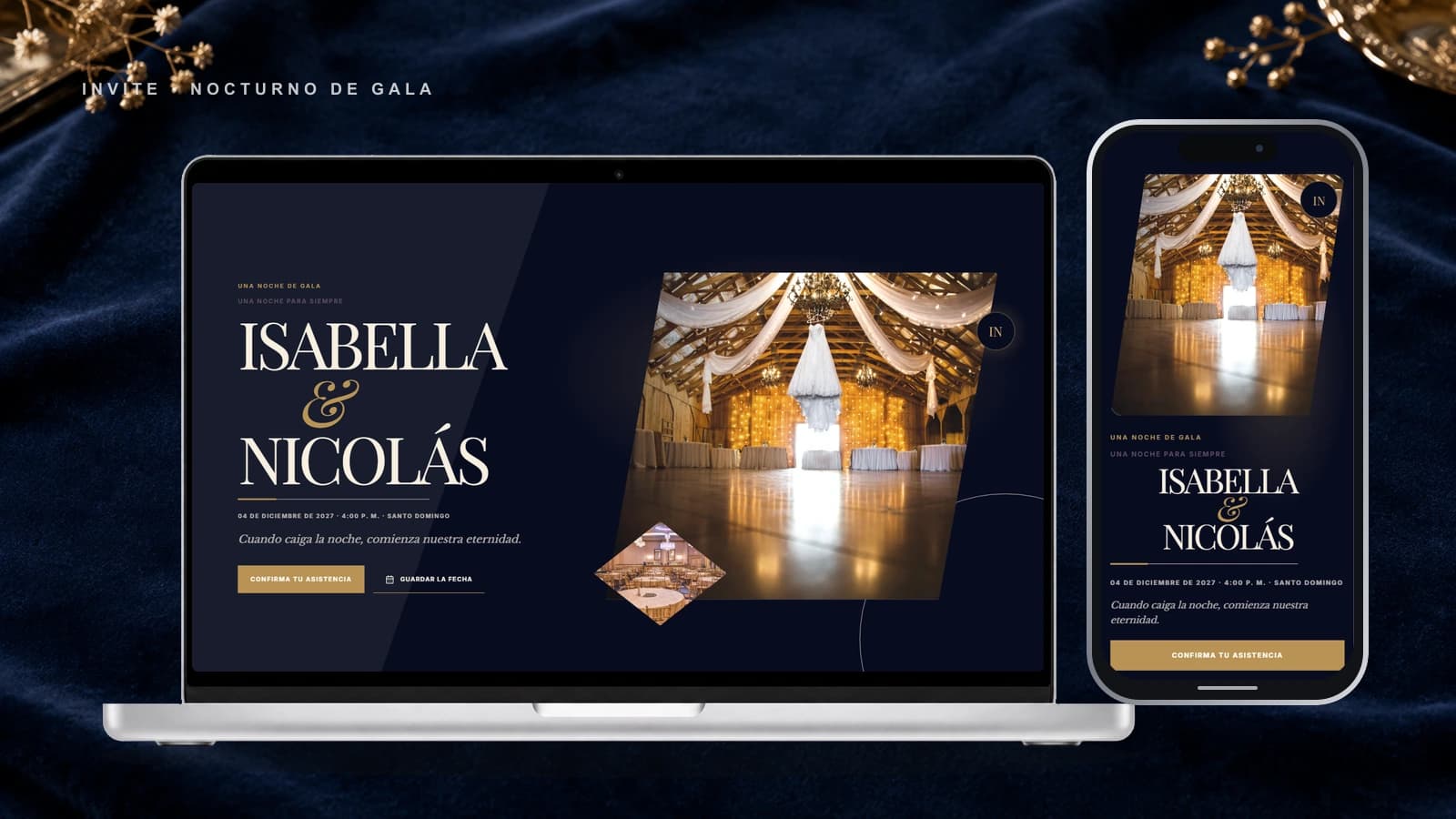
Find your style
Get recommendations with three questions, or explore every template and demo.

Digital wedding invitations
Tell it with music, motion, and every detail that makes the day yours.
From the idea to the link, with no upfront payment.
Get recommendations with three questions, or explore every template and demo.
Start a draft without an account or card, add your details, and preview the invitation live.
Pay once when it is ready, share the link, and manage responses from your dashboard.
Everything guests need, with the feeling you want to share.

An experience as personal as your story.
Music that begins with the first tap.
Clear replies without chasing messages.
Ceremony, party, and lodging on the map.
Photos, timing, and details in one sequence.
Before choosing a design
A digital invitation is not an image that becomes outdated after it is sent. It is a private page that tells your story, gathers every event detail, and guides each guest from the first message to their RSVP. With Invite, you can try a design and complete a draft for free; you make one payment only when you decide to publish it.
Each template can bring together a cover, your story, schedule, locations, gallery, music, dress code, gift information, and RSVP. Use only the sections that make sense for your wedding and keep everything else out of the guest experience.
Start a draft, add real names, dates, photographs, and venue details, then review the result live. You choose while looking at your own invitation rather than a thumbnail or a promise. Payment comes after the design and content feel right.
After publishing, share a stable address through WhatsApp, email, or direct message. If a time, location, or recommendation changes, update the invitation without designing another asset or asking guests to find the newest file.
The choice does not need to be absolute. Some couples keep a printed piece for close relatives and use a digital invitation to coordinate everyone else. The meaningful difference is how information travels and what happens after the invitation has been sent.
| Need | Digital invitation | Printed invitation |
|---|---|---|
| 01Change a detail | Update the same link. | Correct, reprint, or send a separate notice. |
| 02Collect RSVPs | Guests reply inside the invitation. | Replies usually arrive through separate calls and messages. |
| 03Share a location | Open the map directly from a phone. | Copy or search for the address manually. |
| 04Use photos and music | They become part of the experience. | Space and format are limited. |
| 05Cost | One publishing payment; every template shows its exact price. | Varies with quantity, paper, finish, printing, and delivery. |
If you already have the names, date, venues, and a few photographs, you can complete a template in one focused session. There is no printing wait. Leave enough time to verify phone numbers, schedules, map links, and the mobile view before sharing it with the full guest list.
Guests see a mobile-ready experience: they open the cover, move through your story, and view only the sections you published. They can open locations, review guidance, and answer the RSVP without installing an app. Your private planning information stays in your dashboard.
The link remains available while the invitation is active. You can see who replied, who is pending, and how many seats each person has. If the list must close on a specific date, show that deadline clearly and follow up only with the guests who still have not answered.
Party size is managed per guest. Instead of publishing an open question that can change your budget, assign the intended number of seats to each link. The guest confirms within that limit and the reply remains connected to their record.
Timing depends on travel, season, and event complexity. For a local wedding, send the link once the date, venues, and main schedule are confirmed; when many people need to travel, give them more notice. Publishing early does not require every secondary detail to be final. Keep unverified recommendations off the page and add them later without changing the address guests already received.
The link does not need to appear in search results to do its job. Share it directly with your list and avoid publishing sensitive details that guests do not need. The planning dashboard remains separate, while guests see only the content prepared for them. When a location or instruction requires greater discretion, send it only to the relevant group.
Explore designs with their real prices, request a tailored proposal, or learn more about attendance confirmation before starting.
Open each demo and experience the complete design on a phone.
Learn moreRequest a proposal with scope, timing, and price defined before approving the work.
Learn moreLearn how seats, personal links, and the response dashboard work.
Learn moreCreate the invitation that opens the world of your wedding.
View templatesNew feature
Add a collaborator to a specific invitation. They can edit it and manage guests from their own account, without becoming the purchaser.
Your collaborator can update the invitation and its photographs.
Both can keep the guest list and attendance replies up to date.
Purchase, billing, and ownership information stay private to the purchaser.